
Scene, text, or multi-view
Start with the spatial input supported by the provider, from a wide scene to text or related views.
Start with the spatial input supported by the provider, from a wide scene to text or related views.
Choose reconstruction, Gaussian-splat, semantic, or 360-degree environment workflows in one studio.
Review the result as a world and download the exact SPZ, SOG, PLY, DRC, world, or GLB output available.
Leave the page while the provider builds the world, then return through History to download it.
 3D World
Prototype the spatial direction of a playable place before committing to a full environment build.
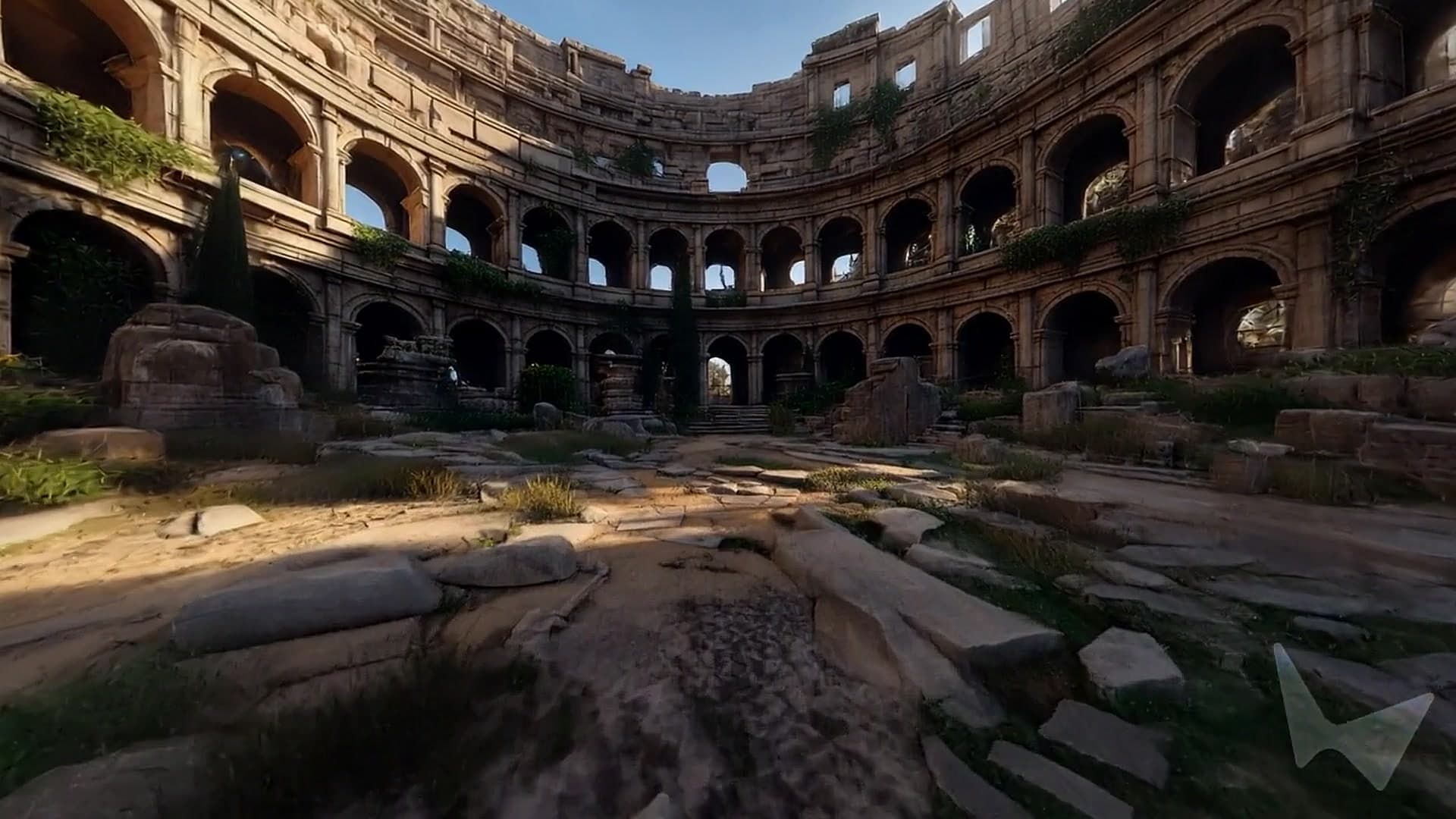 3D World
Extend rooms, courtyards, and spatial concepts into environments people can enter.
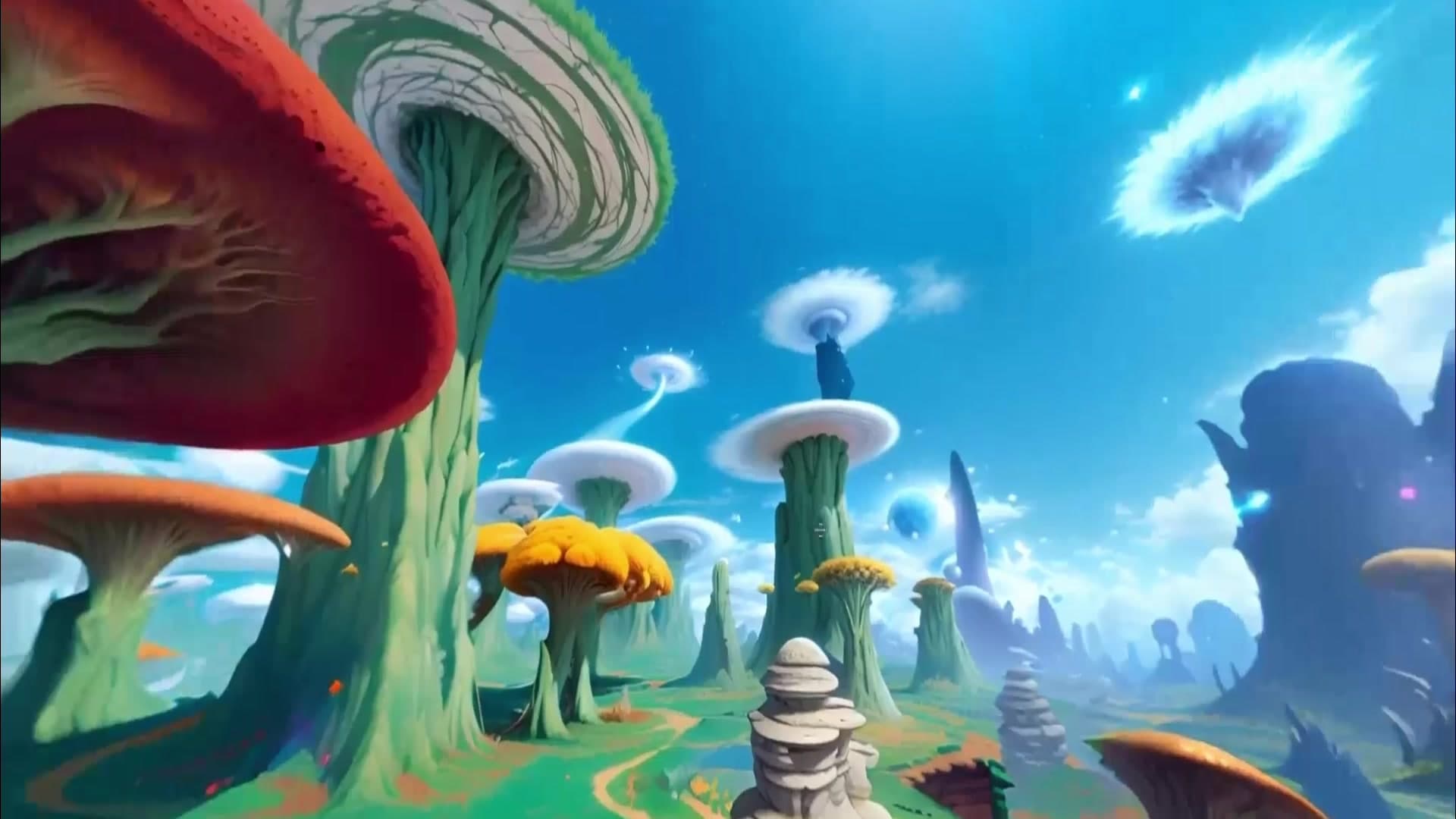 3D World
Build spatial references for immersive stories, exhibitions, and virtual production stages.
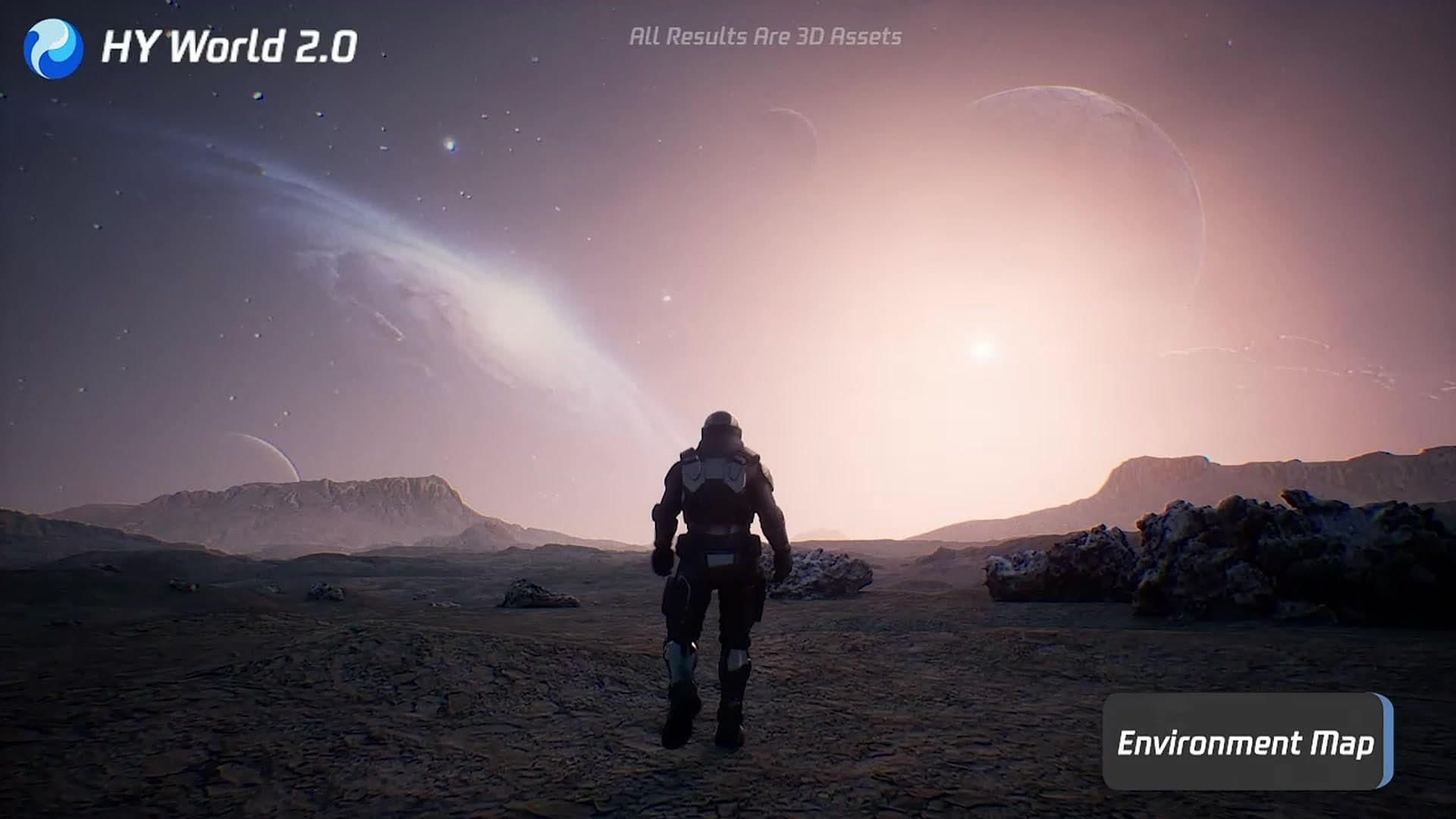 3D World
Use spatial scenes to communicate systems, environments, and embodied-AI ideas.
Sign in and upload a wide image with a clear foreground, middle distance, and background. Outdoor spaces, rooms, courtyards, and streets work better than a close-up of a single object.
Choose a provider first, then use the input modes it exposes. Echo 2 and AHOLO accept image or text, Hunyuan World uses one labelled scene image, Marble also supports multi-view, and Skybox AI starts from text.
Describe important paths, openings, landmarks, atmosphere, or depth. Review the selected provider controls: quality and splat format, semantic layer labels, or skybox mesh settings.
Review the quoted credits and start the task. You can leave while the provider builds the world and return through History. The exact SPZ, SOG, PLY, DRC, world-file, or GLB downloads stay available for 7 days.
Credit plan
2,000 credits every month
Creator favorite
3,000 credits every month
Credit plan
5,000 credits every month
Payments opening soon. Plans are shown for transparent comparison while checkout remains unavailable.
Choose a wide scene with strong depth cues, visible ground, and a readable path through the space. Avoid extreme close-ups, collages, large text overlays, or images where most of the scene is hidden. For interiors, several consistent views can help communicate the room layout.
It depends on the provider. Marble supports image, text, and two to four related views; Echo 2 and AHOLO support image or text; Hunyuan World requires one image; Skybox AI uses text. The Input tabs update automatically when you choose a model.
The model generator reconstructs one object as an asset. The world generator builds the surrounding environment as an explorable space. Use the model generator for a chair, character, or prop; use the world generator for a room, street, landscape, or playable environment.
Outputs differ by provider. Marble can return SPZ and GLB; Echo 2 returns SPZ or SOG; AHOLO returns SPZ and PLY; Hunyuan returns a world file with optional DRC; Skybox AI returns a GLB depth mesh. Skybox AI is a 360-degree environment mesh, not the same kind of free-navigation reconstruction as Marble or a Gaussian-splat world.
Yes. The task keeps running after you leave. Open History to check its status and download the result when it is ready. You can have up to two active generations at a time.
The quoted credit cost is shown before generation. Credits are returned automatically if the provider fails or the task times out. Uploaded inputs stay private and are scheduled for deletion within 24 hours after completion; successful world downloads expire after 7 days.


