World Models Watch editorial
Guides and Insights
Read world model guides for choosing tools, generating 3D assets or worlds, evaluating demos, and inspecting open stacks.
AI environments for Unity and Unreal
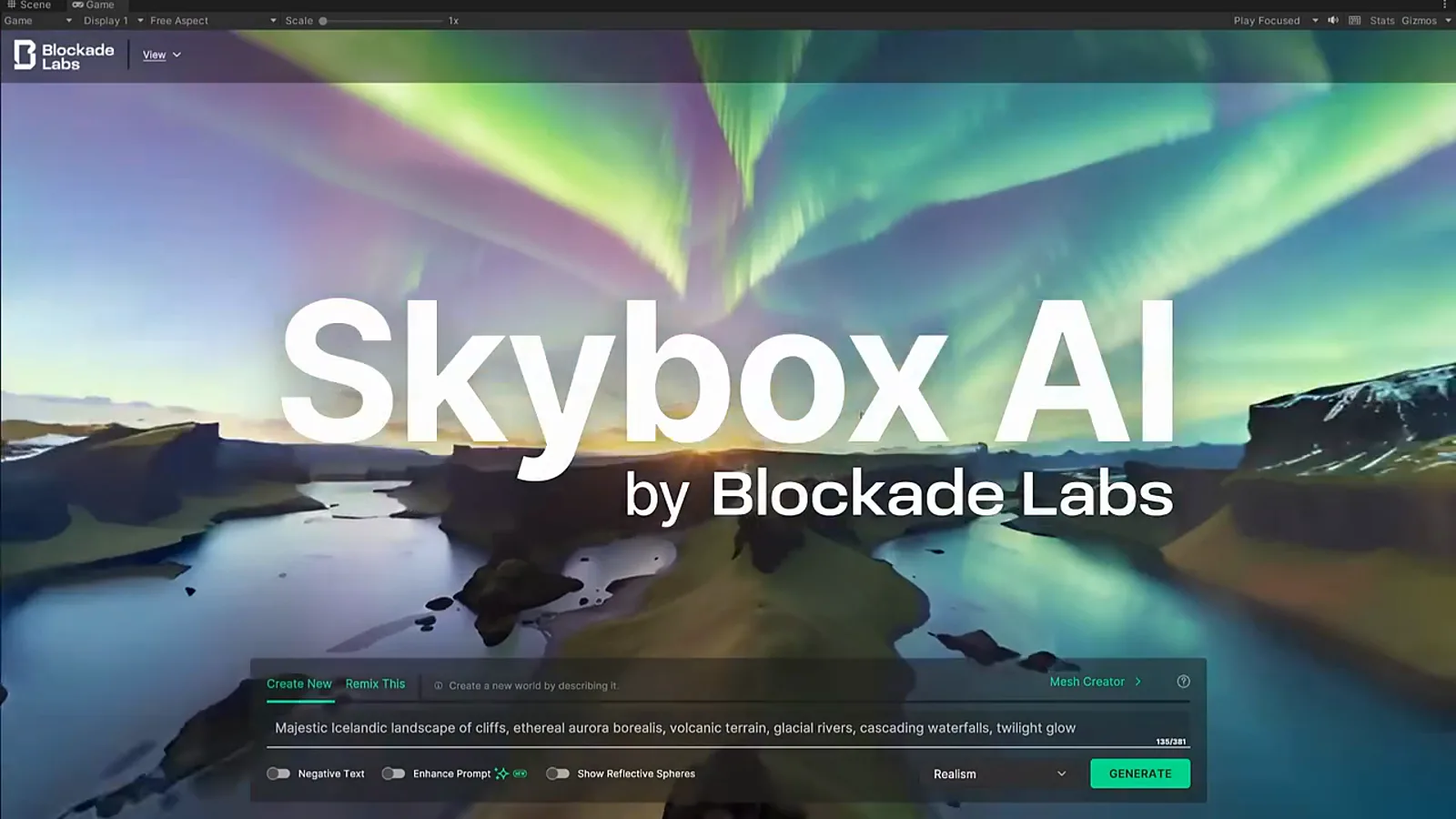
Choose a skybox, 3D world, or asset your game engine can import.
Create AI 3D game assets
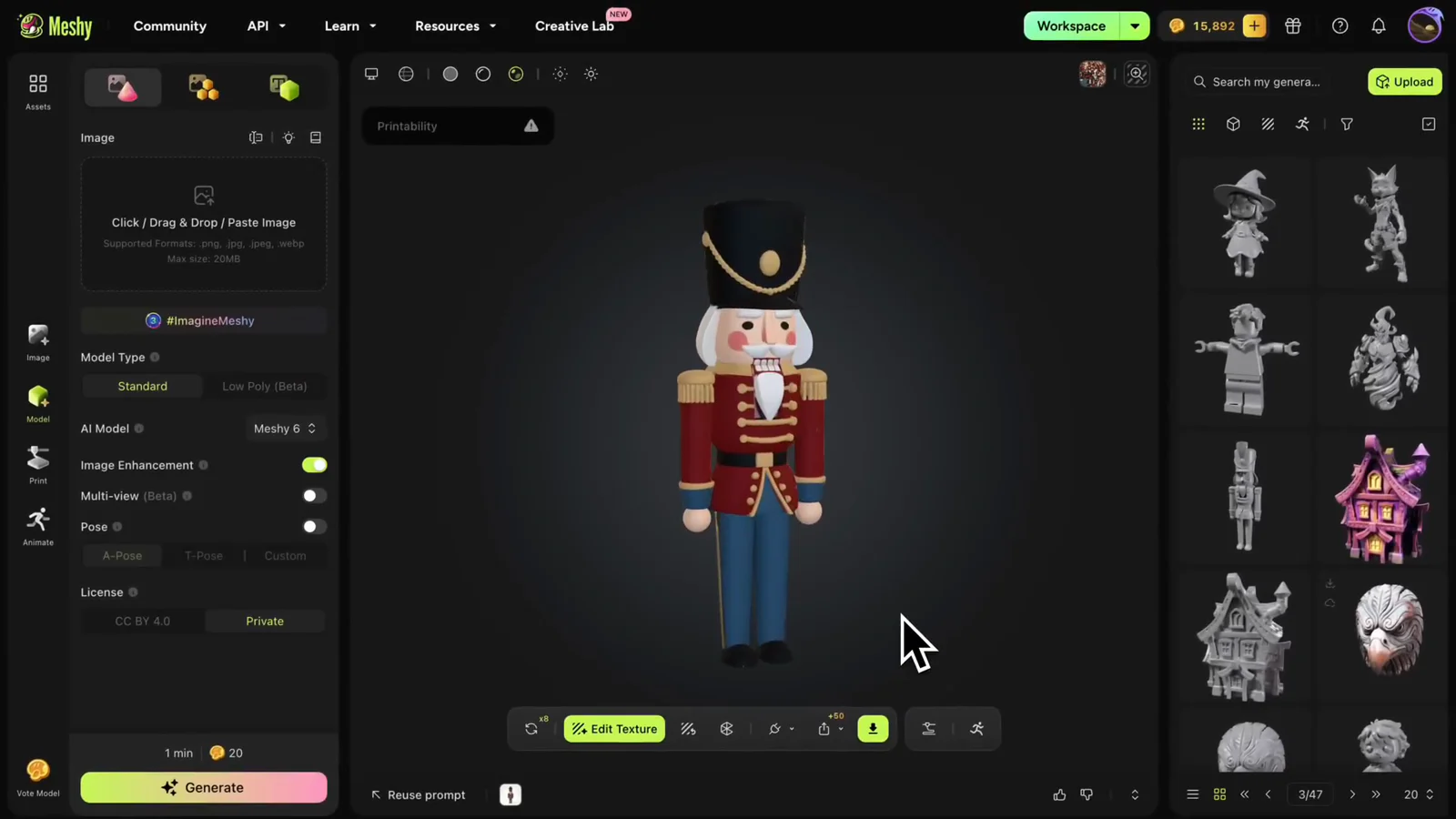
Choose a generator and export clean GLB or FBX assets for game engines.
Prepare AI 3D models for animation
Clean the pose, rig the character, and preserve motion during export.
Prepare AI 3D models for AR and VR
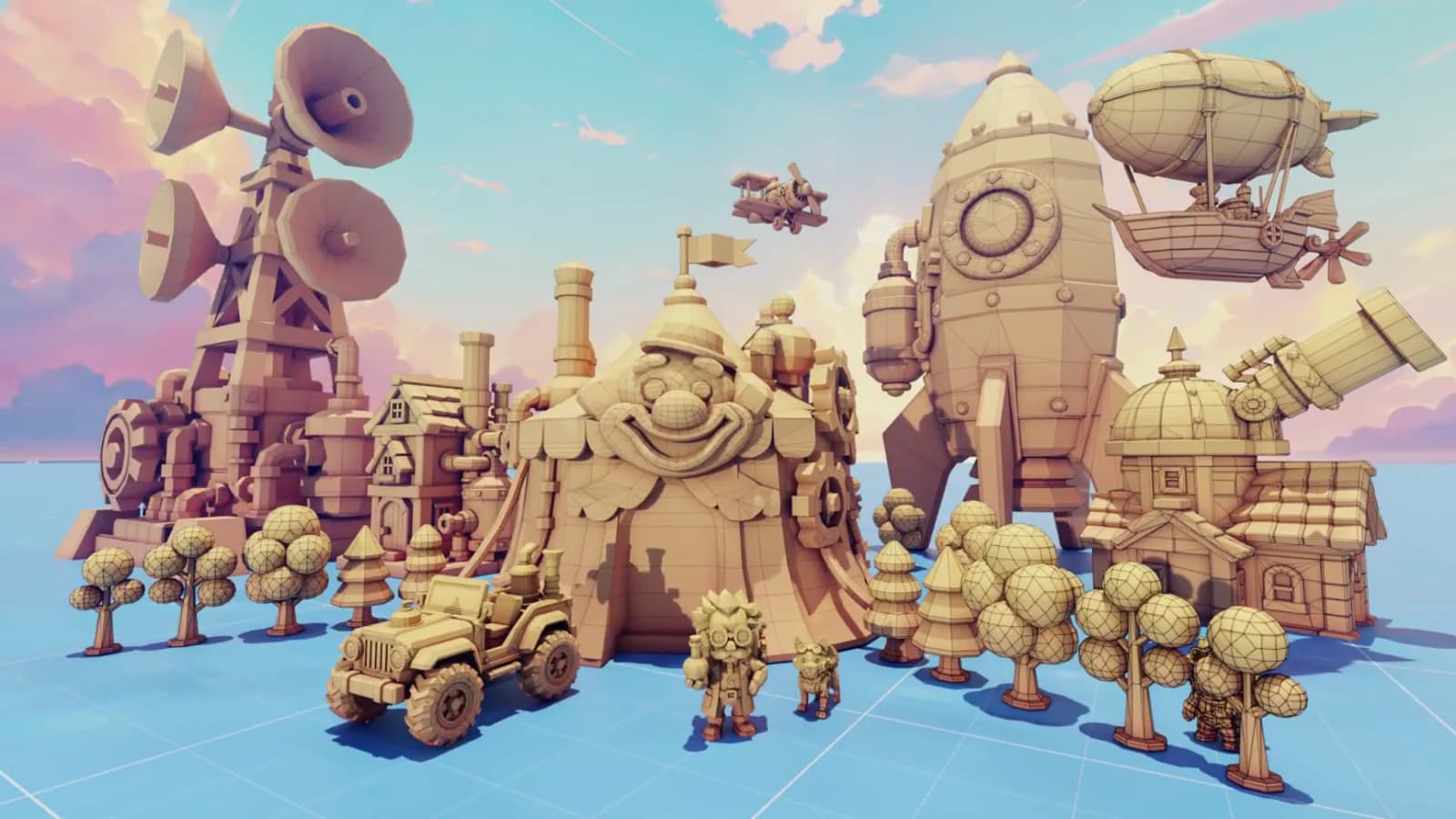
Export GLB or USDZ and optimize geometry and textures for XR.
Choose an explorable world generator
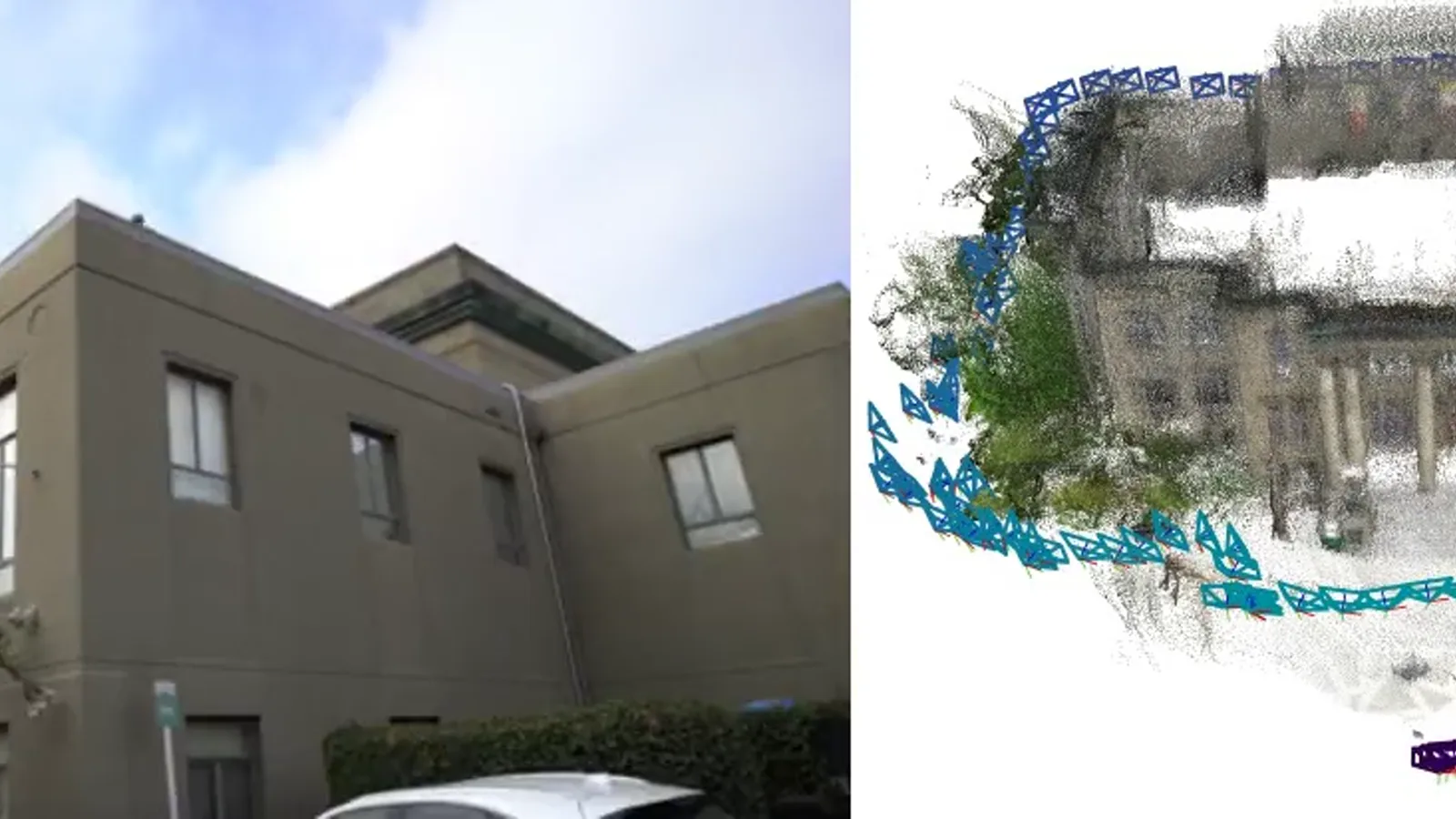
Compare mesh, splat, and proprietary world outputs before export.

Build an AI 3D game prototype
Combine generated worlds and props with controls, collision, and tests.
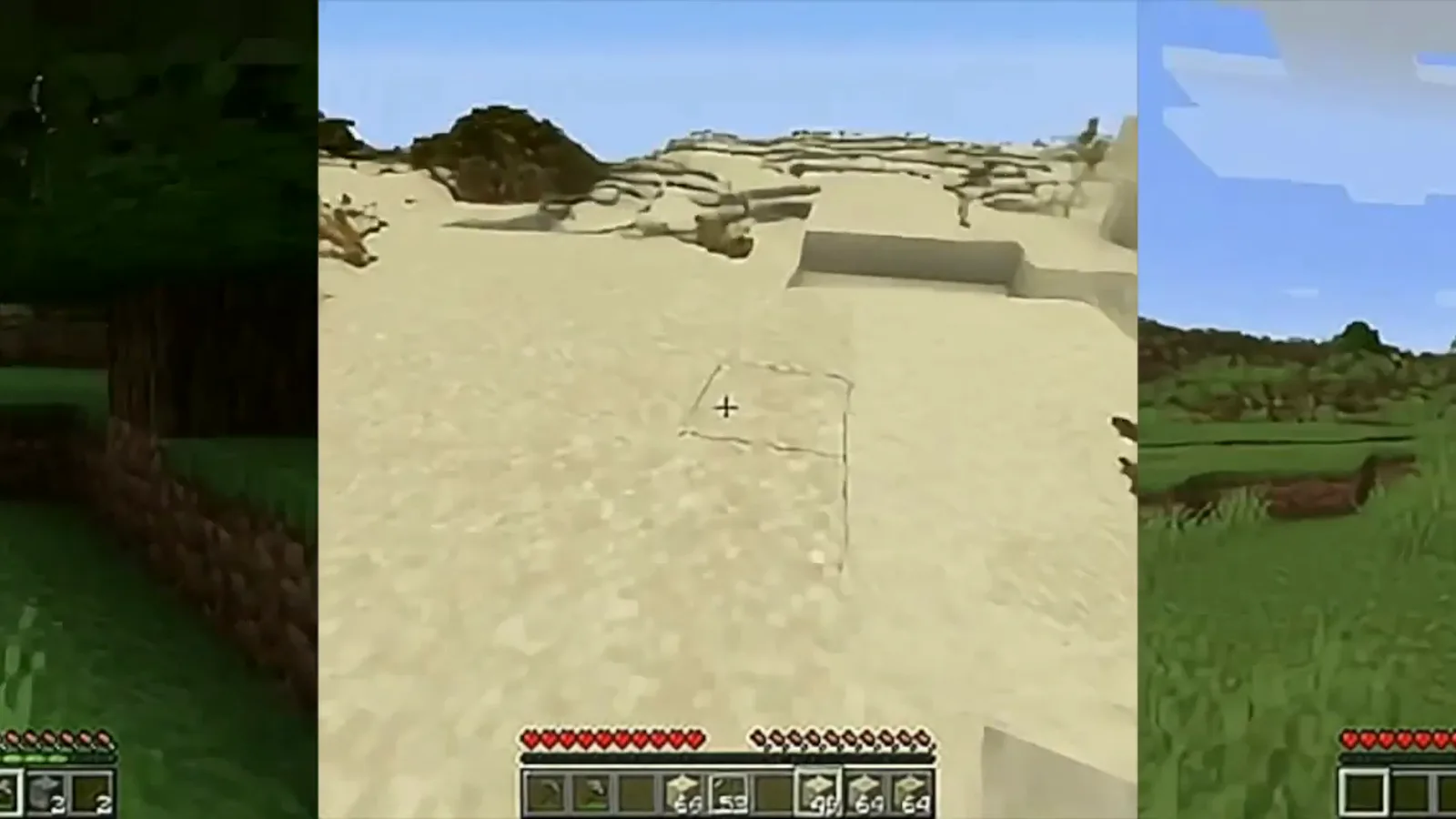
Build interactive 3D stories with AI
Create a spatial scene and export it for the web, XR, or video.
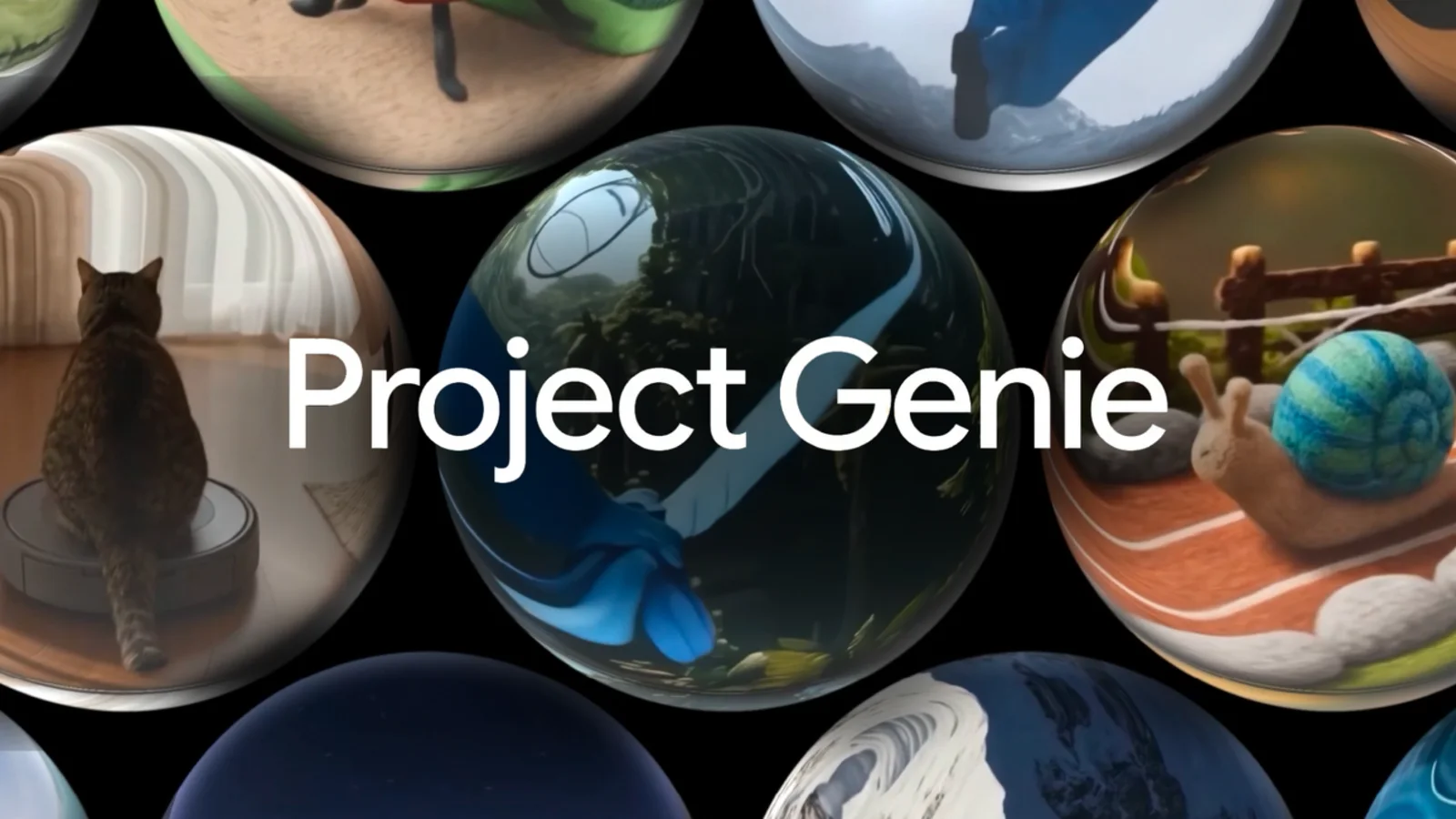
Prepare AI 3D models for printing
Repair the mesh, set scale and walls, then export STL or 3MF.
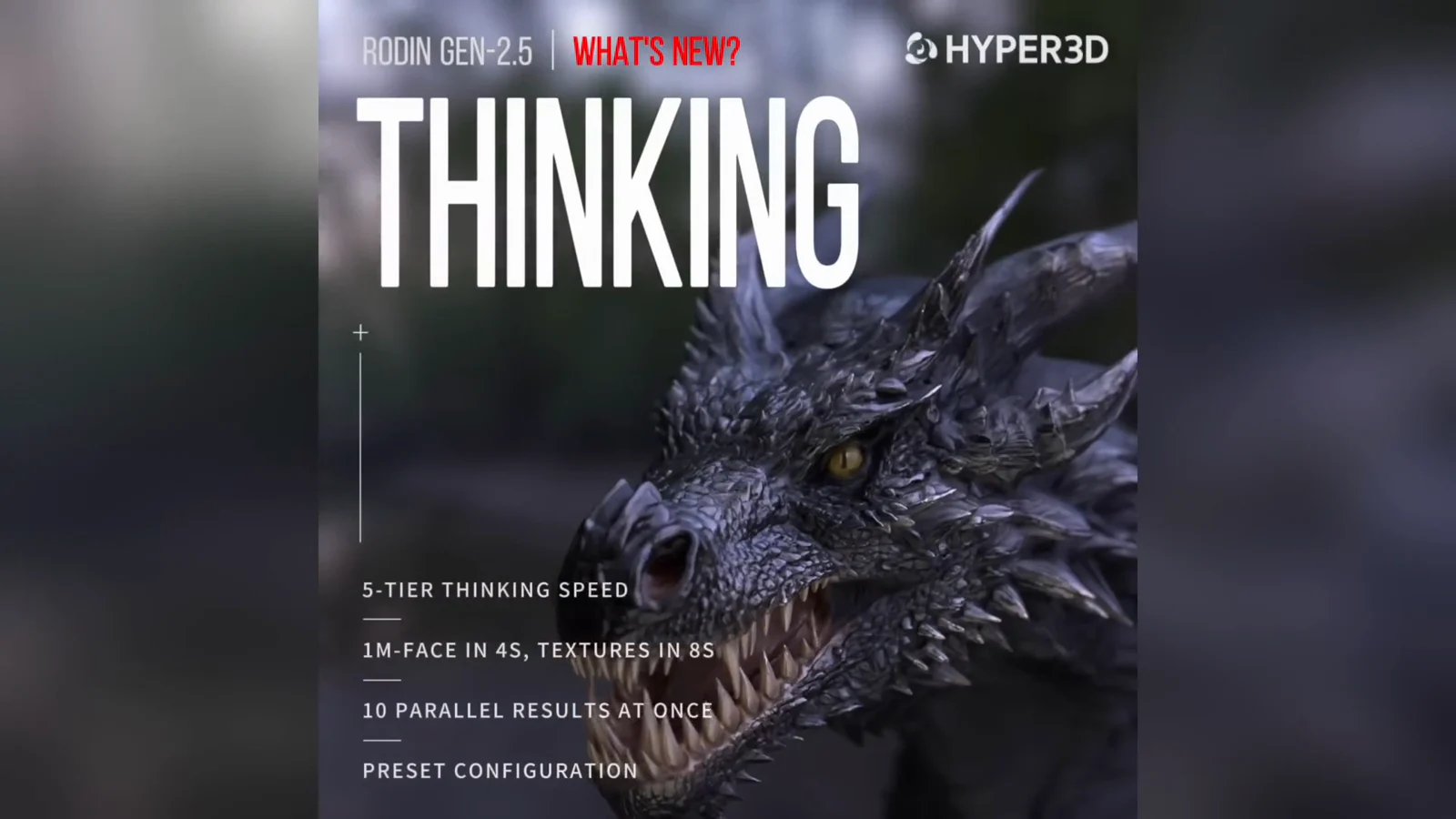
Image to 3D model: asset workflow
Turn one image into a downloadable 3D asset for editing or export.
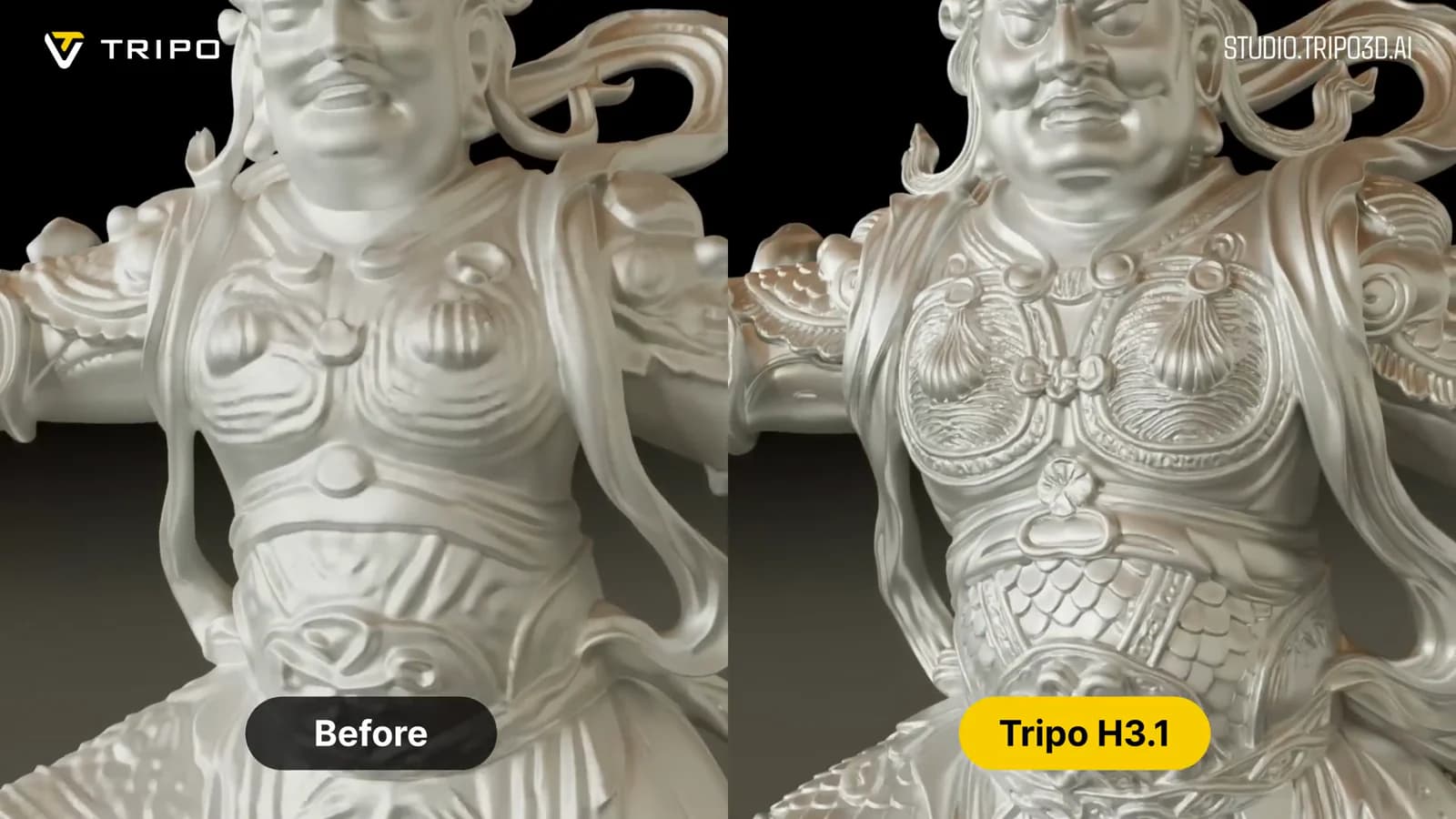
Image to 3D world: scene workflow
Turn a place image into an explorable scene instead of an object mesh.
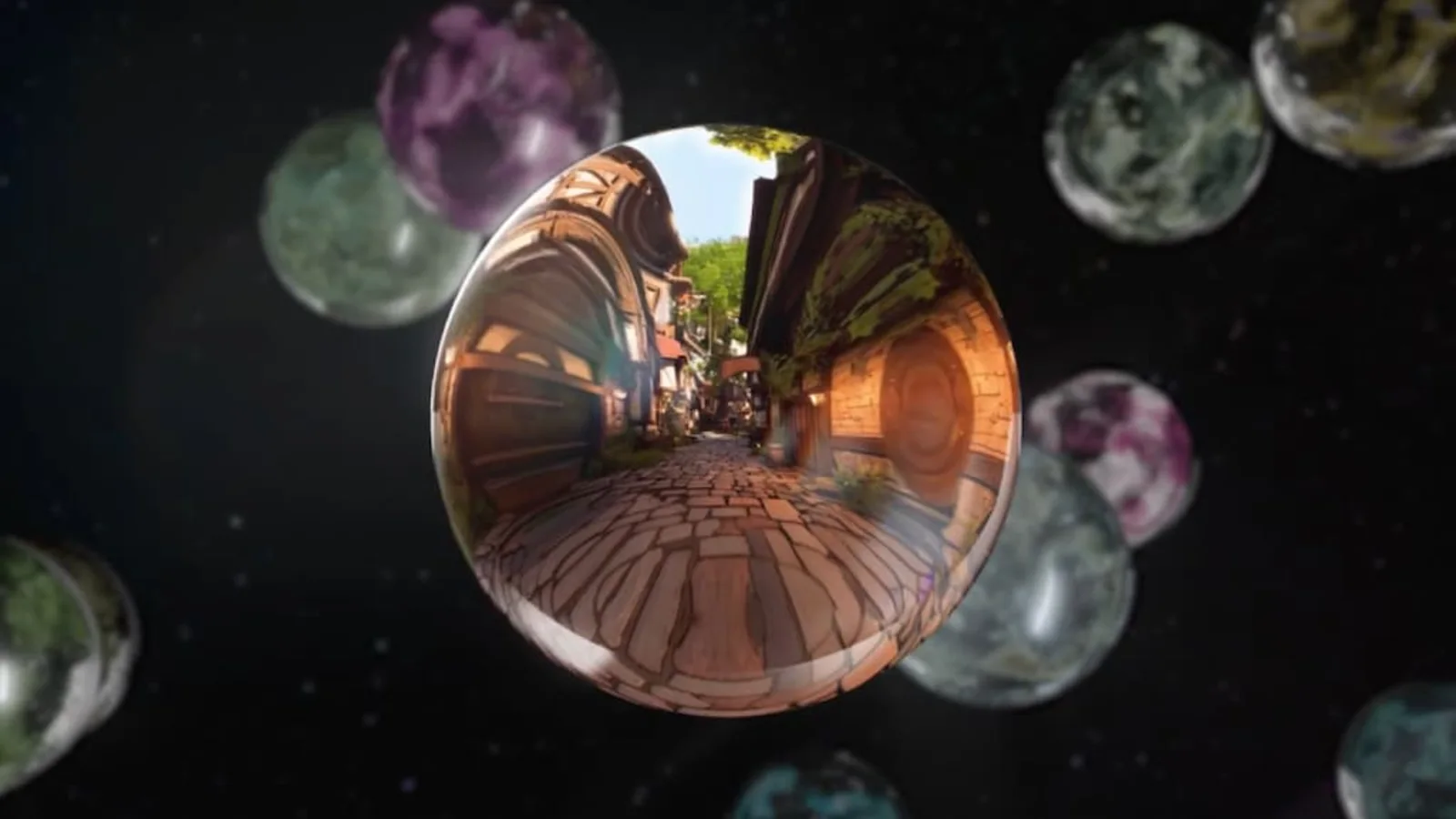
Choose the right world model
Choose by output, access, evidence, and whether you need a durable file.

Evaluate world model demos
Judge interaction, persistence, access, and failure modes—not demo polish.
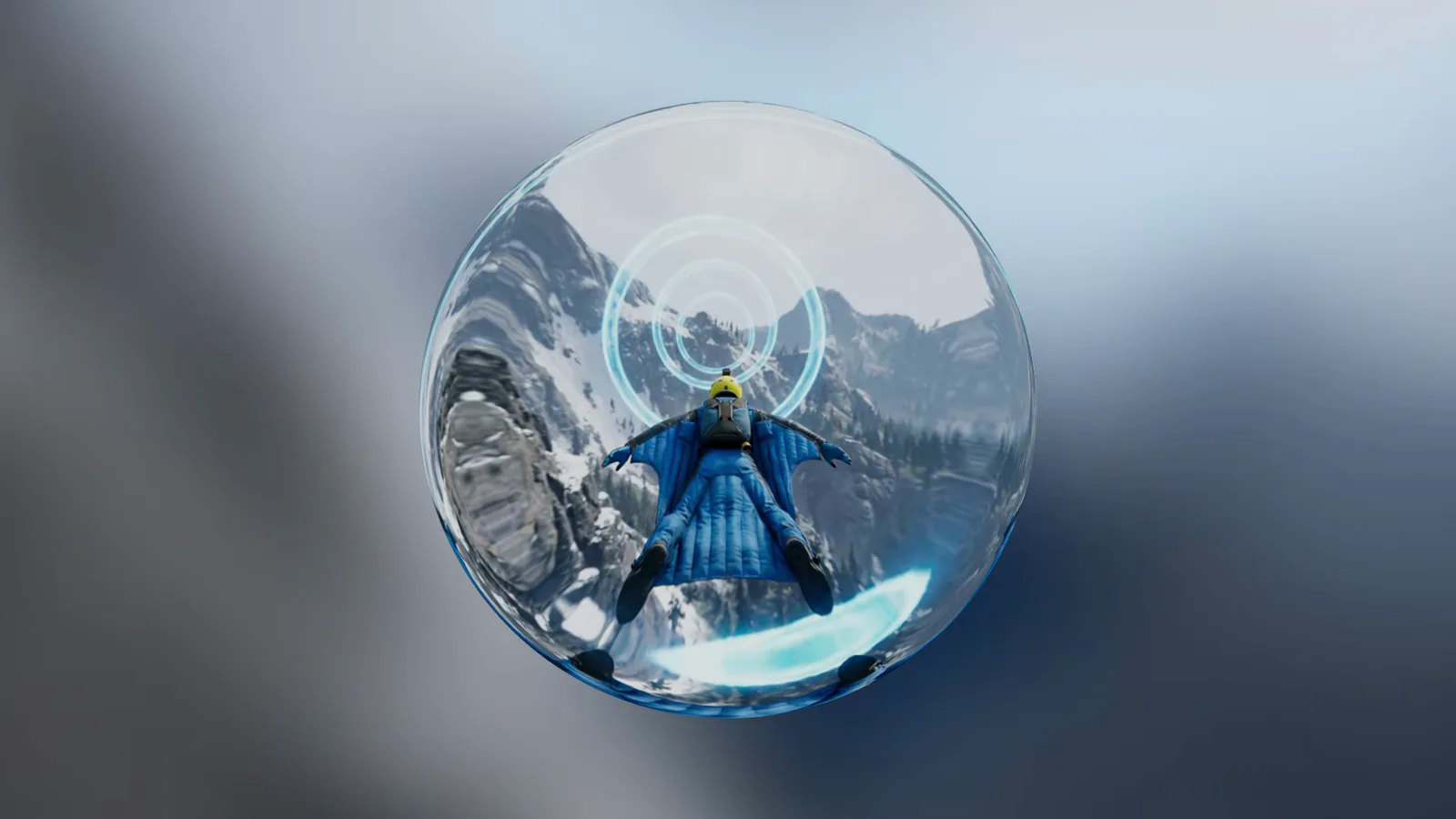
Start with World Models Watch
Move from the definition to one company, decision guide, and live demo.
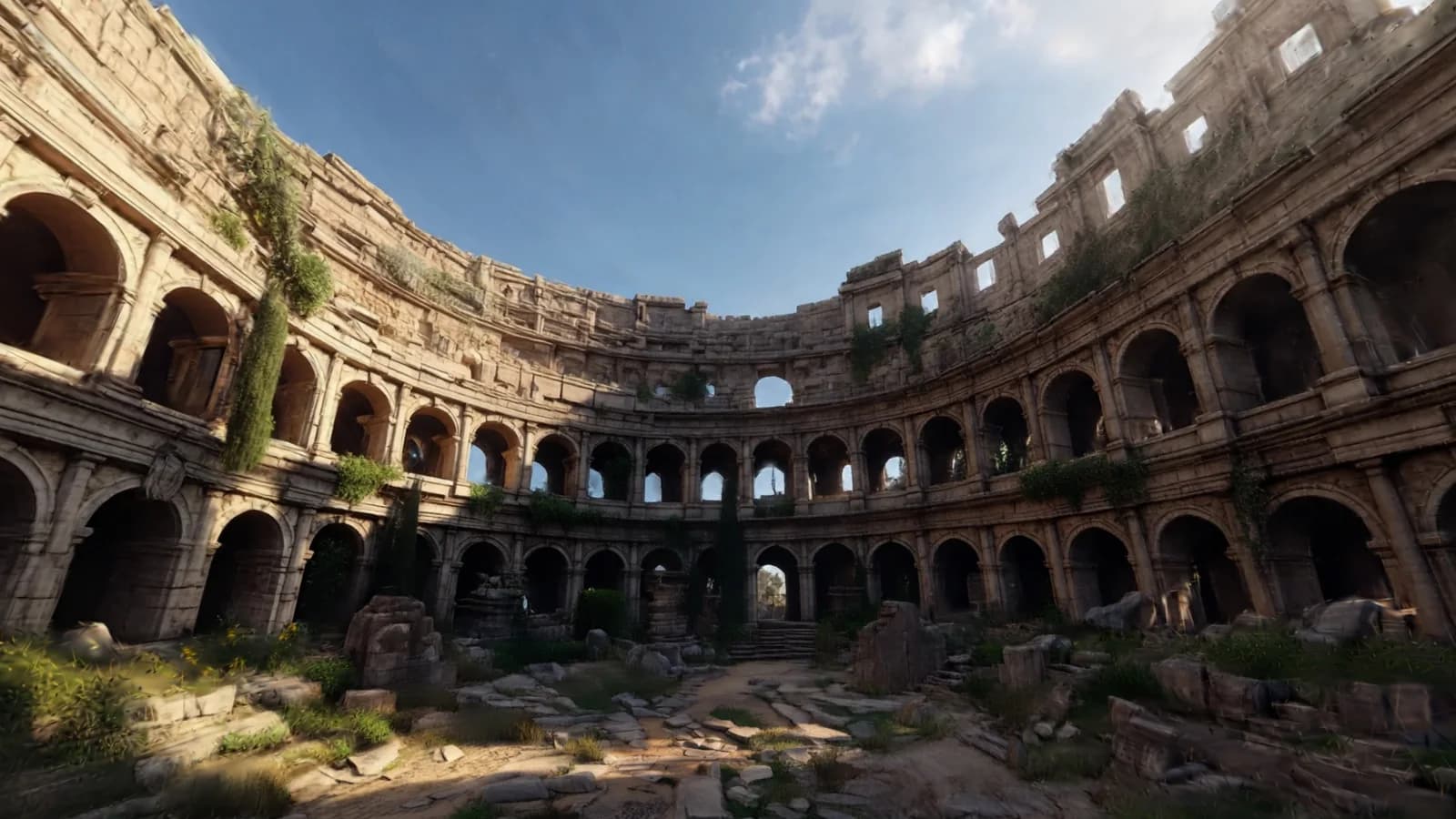
Inspect open-source world models
Compare code, weights, papers, and evaluation paths across open stacks.
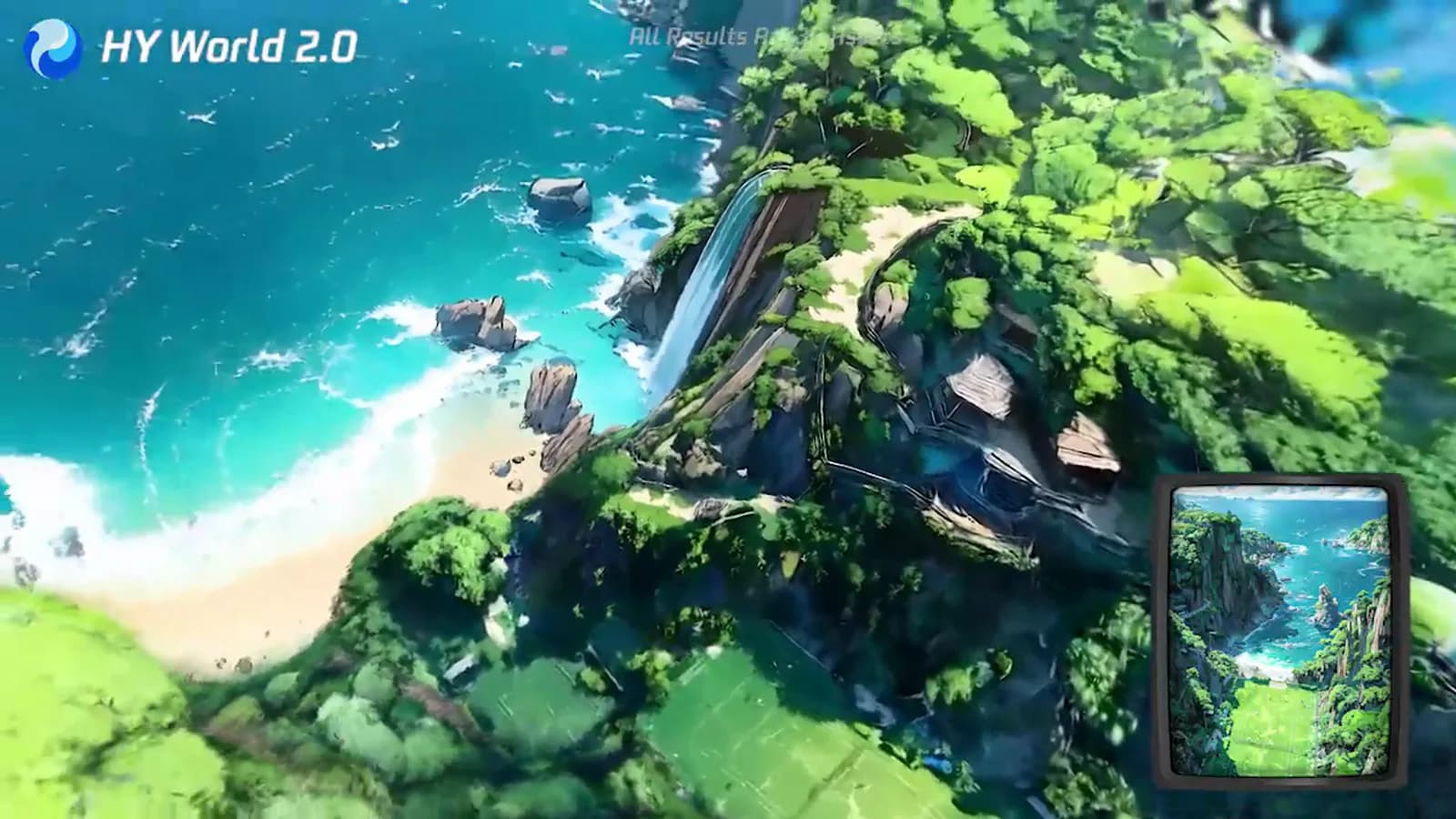
Physical AI and world models
Separate simulation, robot control, and training data from creator worlds.