
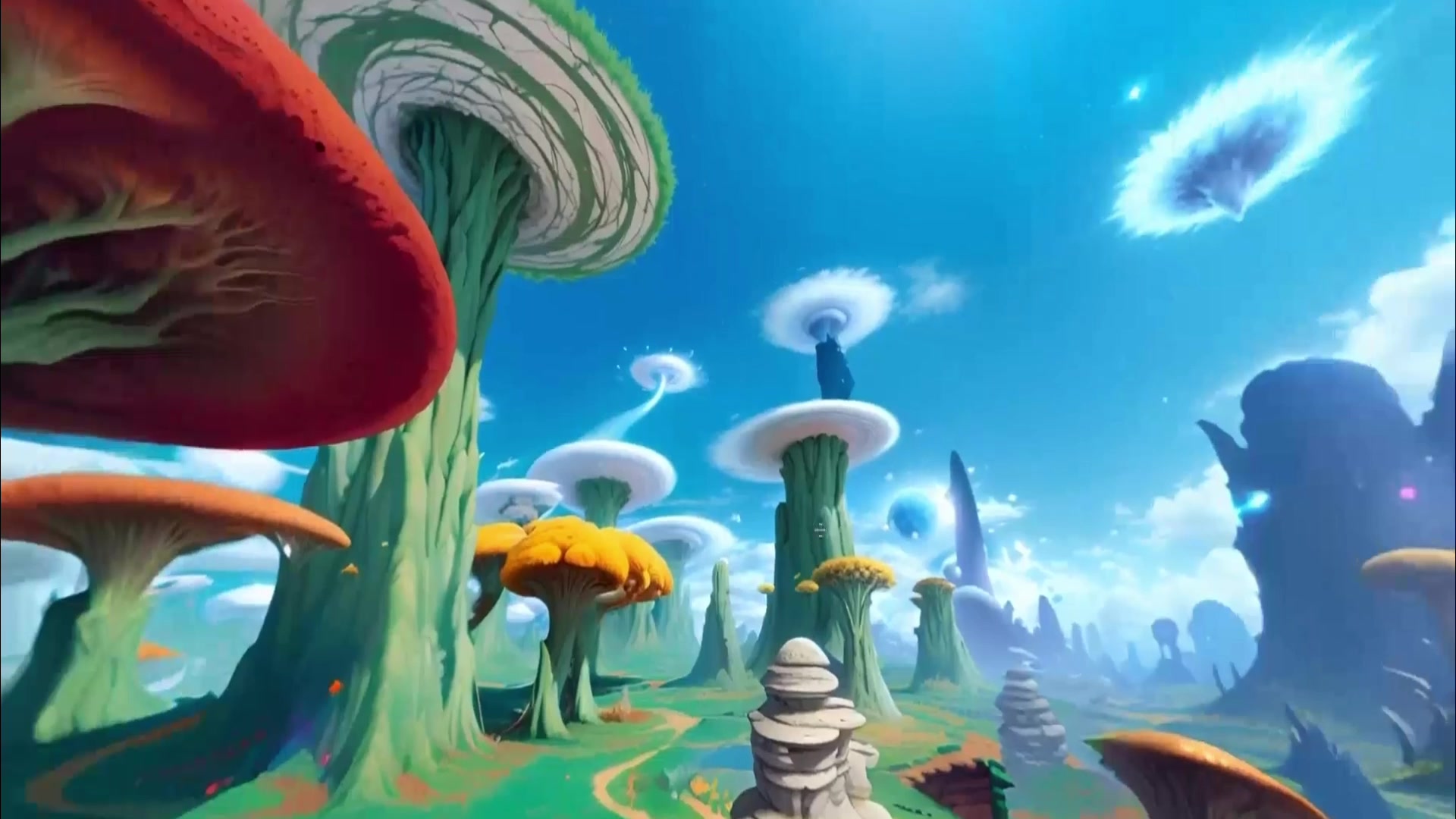
 360 world
Try nowSkybox
Skybox AI
Generate 360-degree worlds for VR backdrops, games, mood boards, and web 3D scenes.
Use caseCreate / Explore / Build
Best for360 environments, VR and game backplates, HDRI-style world shells
Game asset workflow
Create a downloadable 3D game model, an explorable environment, or a 360° skybox with the workflow matched to the asset.
Relevant tools
These cards keep output type, access, and action visible before the source-backed sections.
360 worldGenerate 360-degree worlds for VR backdrops, games, mood boards, and web 3D scenes.
Create persistent 3D worlds from prompts, images, or video.
Tencent's open 3D world generation and reconstruction for persistent scene assets and engine-oriented workflows.
| Game asset need | Best fit | Why |
|---|---|---|
| Fast textured prop | Tripo H3.1 | A direct image-to-GLB route for object and prop iteration. |
| Detailed or PBR base asset | Meshy, Rodin, or Hunyuan3D | Choose by material, topology, and geometry needs. |
| Skybox or horizon | Skybox AI | 360 environment generation is the explicit product lane. |
| Concept world or explorable scene | Marble | Persistent 3D worlds match world-building and scene ideation. |
Asset type
A game team searching for an AI 3D game asset generator can mean several different jobs: a downloadable object, a skybox, a lighting environment, a concept world, or an explorable 3D scene.
Use Image to 3D Model for a discrete object. Use Image to 3D World for a scene. Use the Skybox AI mode when the output is the surrounding 360° environment.
Practical split
Skybox AI is strongest for environment shells and backplates. Marble is stronger for persistent 3D worlds and visual concept scenes. HY-World 2.0 is stronger for technical readers inspecting open 3D generation and reconstruction.
A production game pipeline may use more than one of these layers. A skybox can establish mood, a generated 3D world can support ideation or layout, and an open research stack can help technical teams evaluate future asset generation. The page keeps those jobs separate so readers do not buy into a single-tool promise.
Practical example
For a vertical slice, the fastest win may be a skybox, lighting environment, or mood board that sells the setting. For a level-design prototype, the team may need terrain, rooms, and camera movement. For a tools team, the question may be whether an open 3D generation pipeline can produce inspectable assets.
Those are different deliverables. Calling all of them AI game assets hides the real production question: what part of the game pipeline does this output replace or accelerate, and what still needs a human artist, designer, engineer, or technical-art pass?
Production boundary
The page should not imply that any listed tool automatically creates engine-ready production assets. Teams still need to check topology, collision, scale, seams, texture resolution, licensing, optimization, naming, and whether the output fits the art direction.
World Models Watch uses this landing page as a routing layer with original judgment: use Skybox AI for surrounding environments, Marble for persistent visual worlds, and HY-World 2.0 for inspectable open 3D research. The source-backed model pages carry the detailed evidence.