


Flexible input
Start from an image, text, or consistent multi-view references whenever the selected engine supports them.
Turn one image into a downloadable 3D model or an interactive world you can explore.
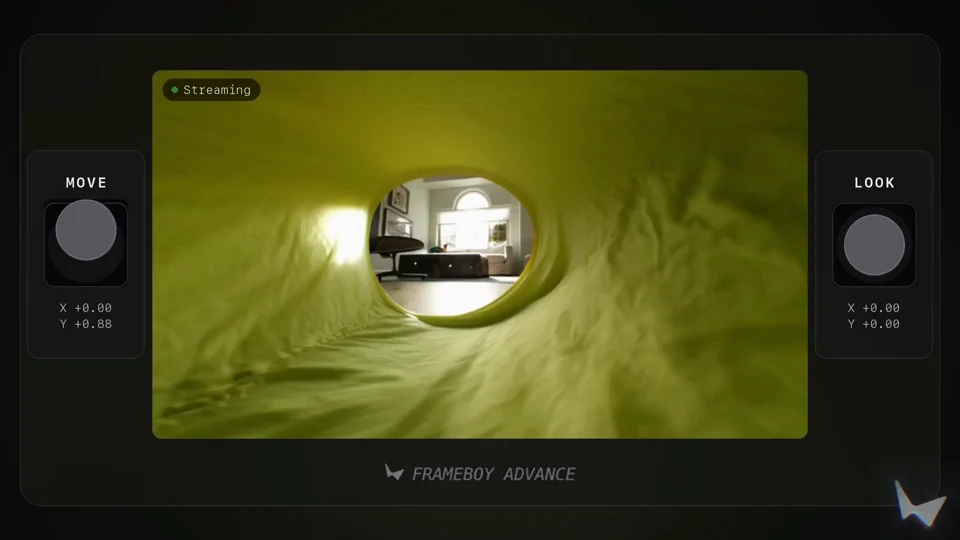 Atlas: Real-world reconstructionWorld Labs
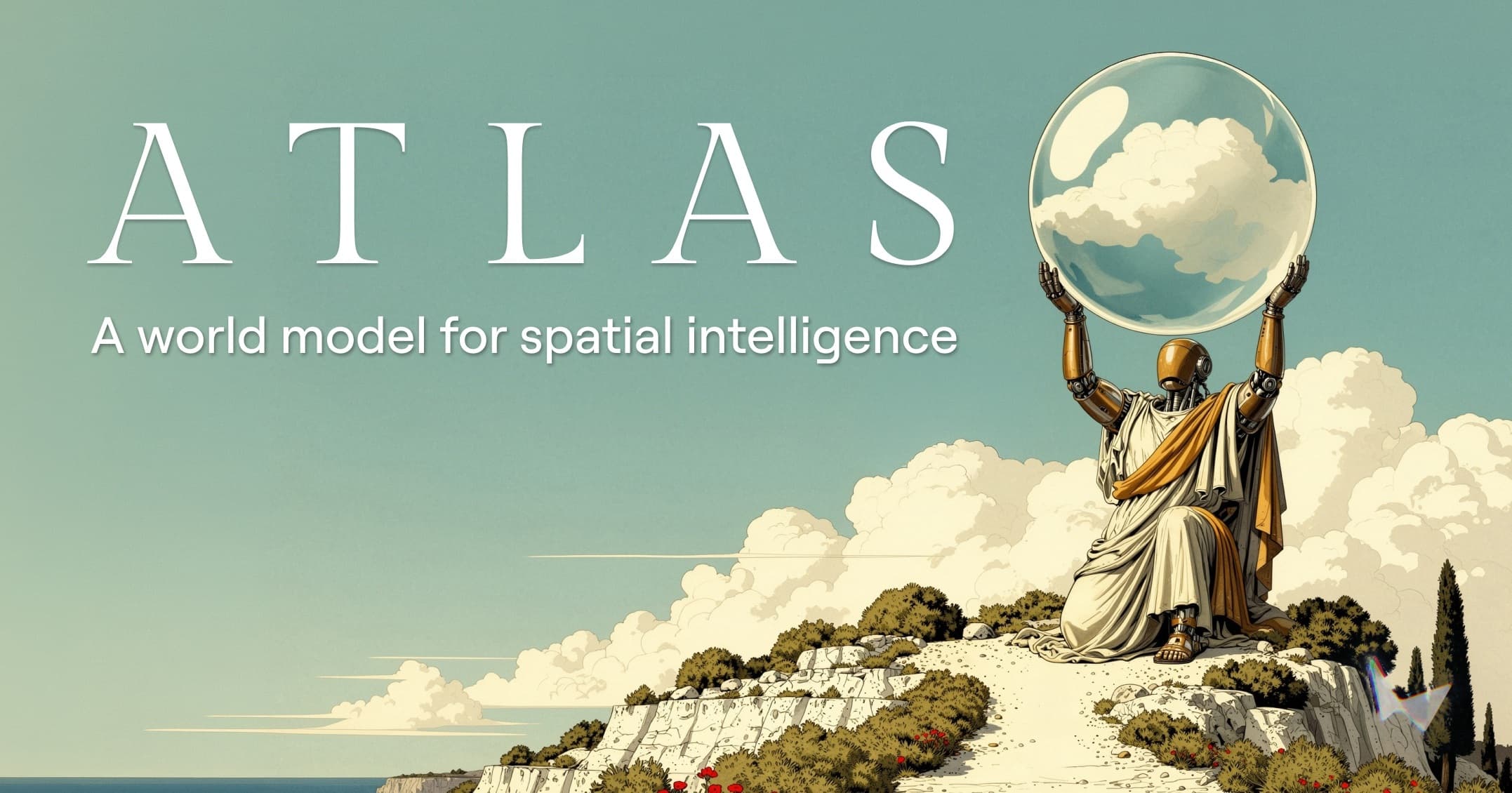 World Labs introduces Atlas, an omni world model for spatial intelligenceWorld Labs · 2026-09-01
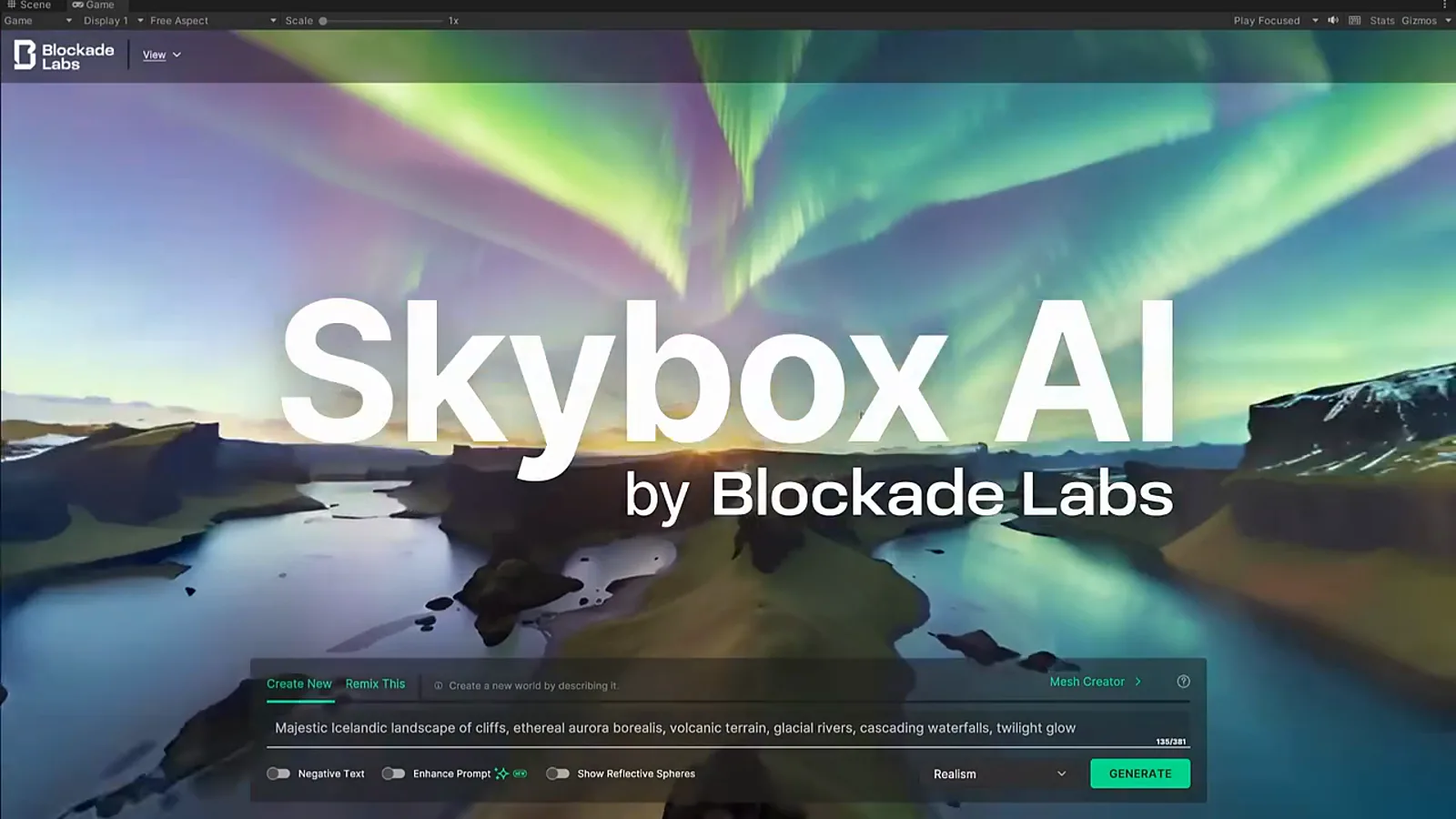 Create AI environments for Unity and Unreal Engine.Guide · 2026-08-31
Start from an image, text, or consistent multi-view references whenever the selected engine supports them.
Create a downloadable object as a 3D model, or turn a scene into an explorable 3D world.
Compare object and world engines without learning a different submission workflow for every provider.
Download GLB and the additional asset or world formats supported by the engine you choose.
Credits are reserved at submission and returned automatically after a provider failure or timeout.
Inputs stay private, are scheduled for deletion, and completed result downloads expire after 7 days.
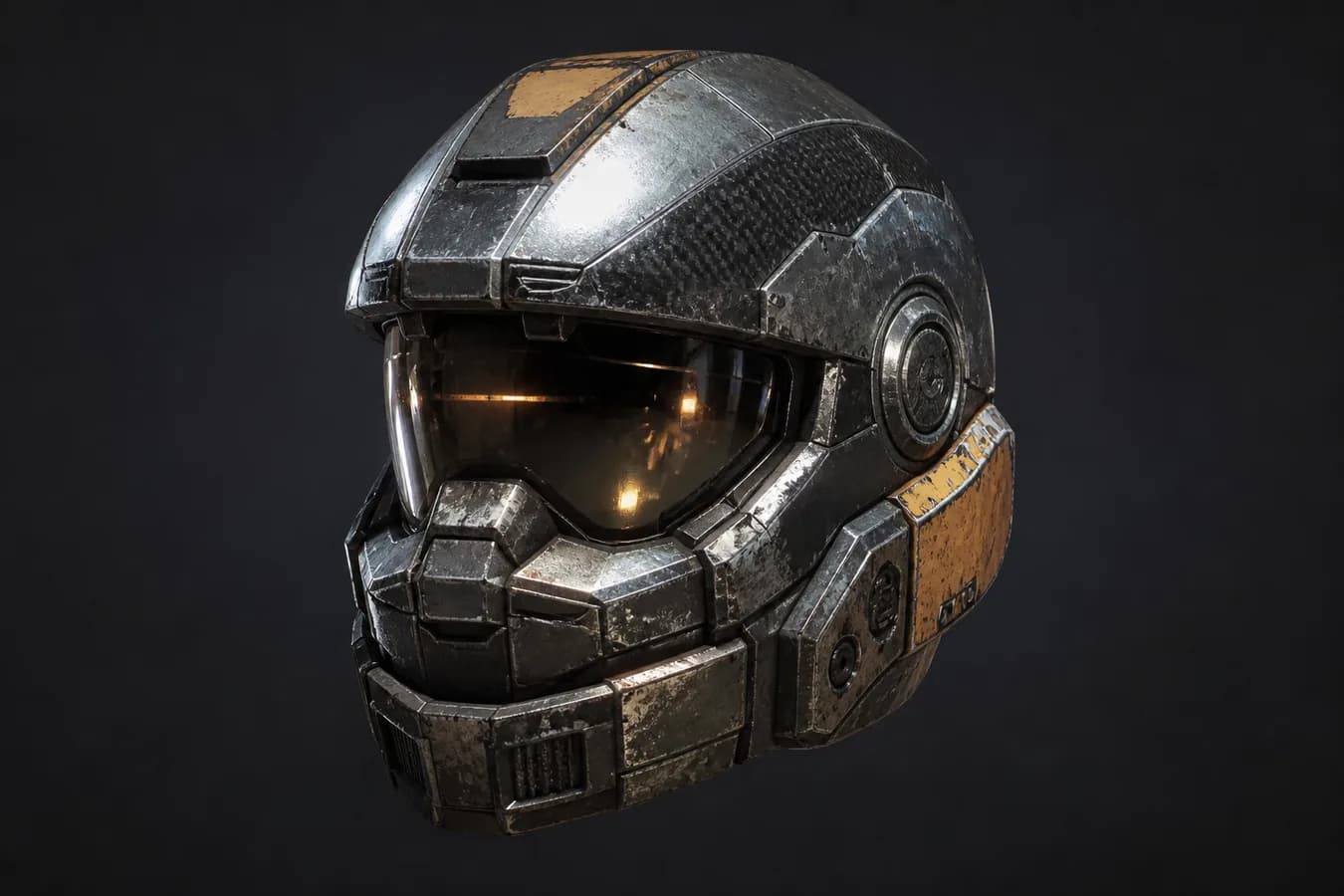 3D Model
Move from a visual reference to props, equipment, and environment-ready objects.
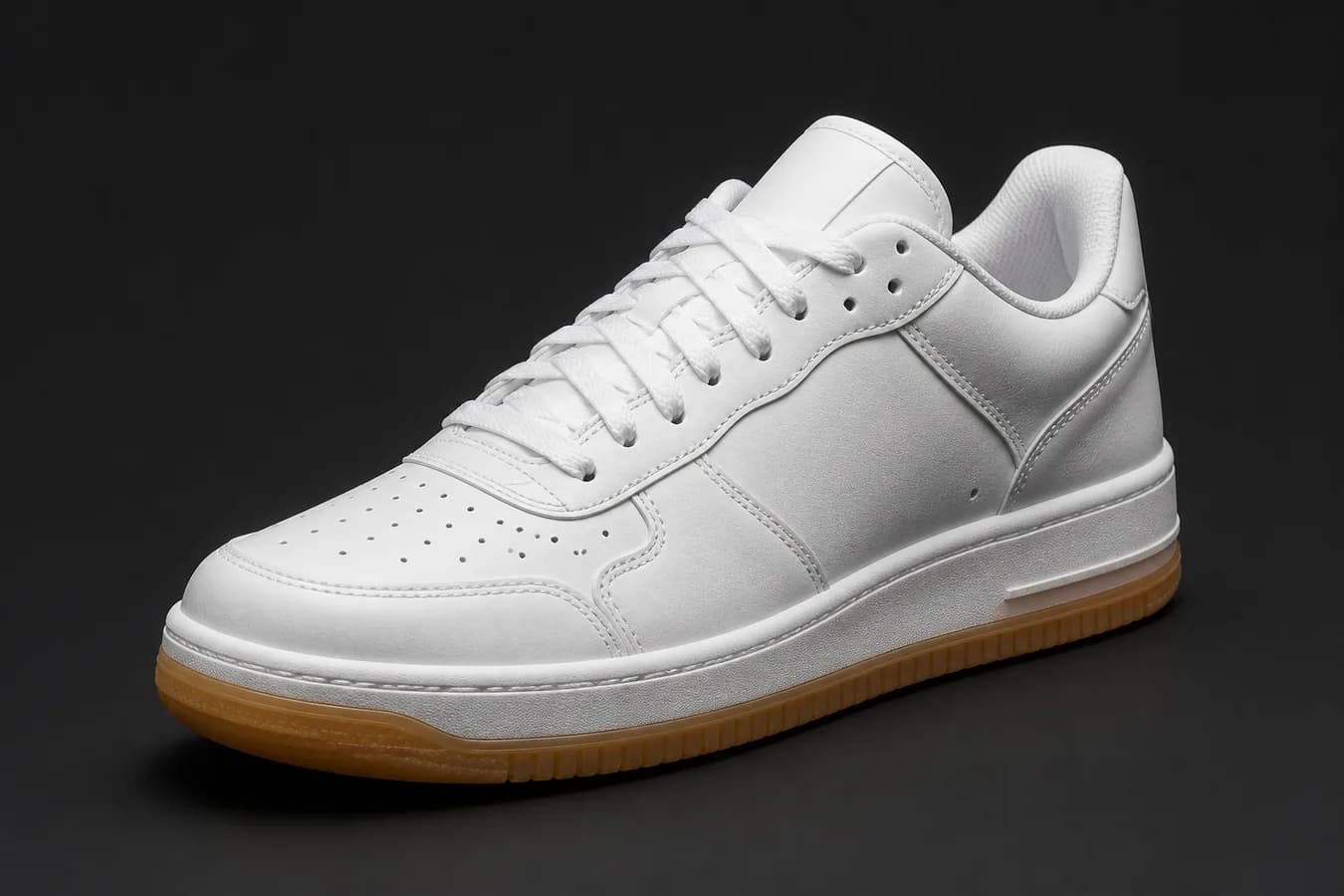 3D Model
Explore a product concept in 3D before photography, prototyping, or campaign production.
 3D Model
Turn concept art into props and visual references that help a scene take shape.
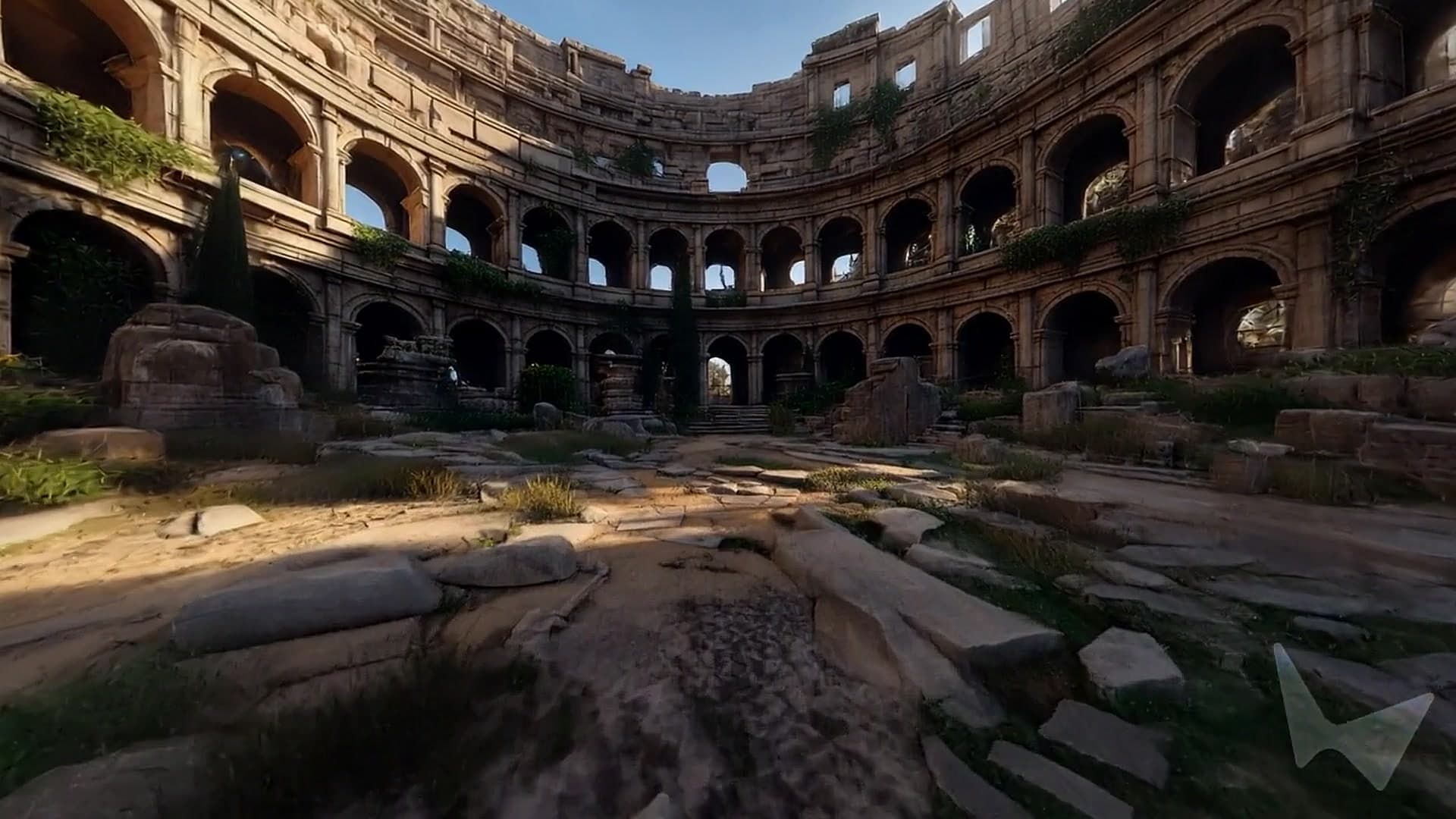 3D World
Extend rooms, courtyards, and spatial concepts into environments people can enter.
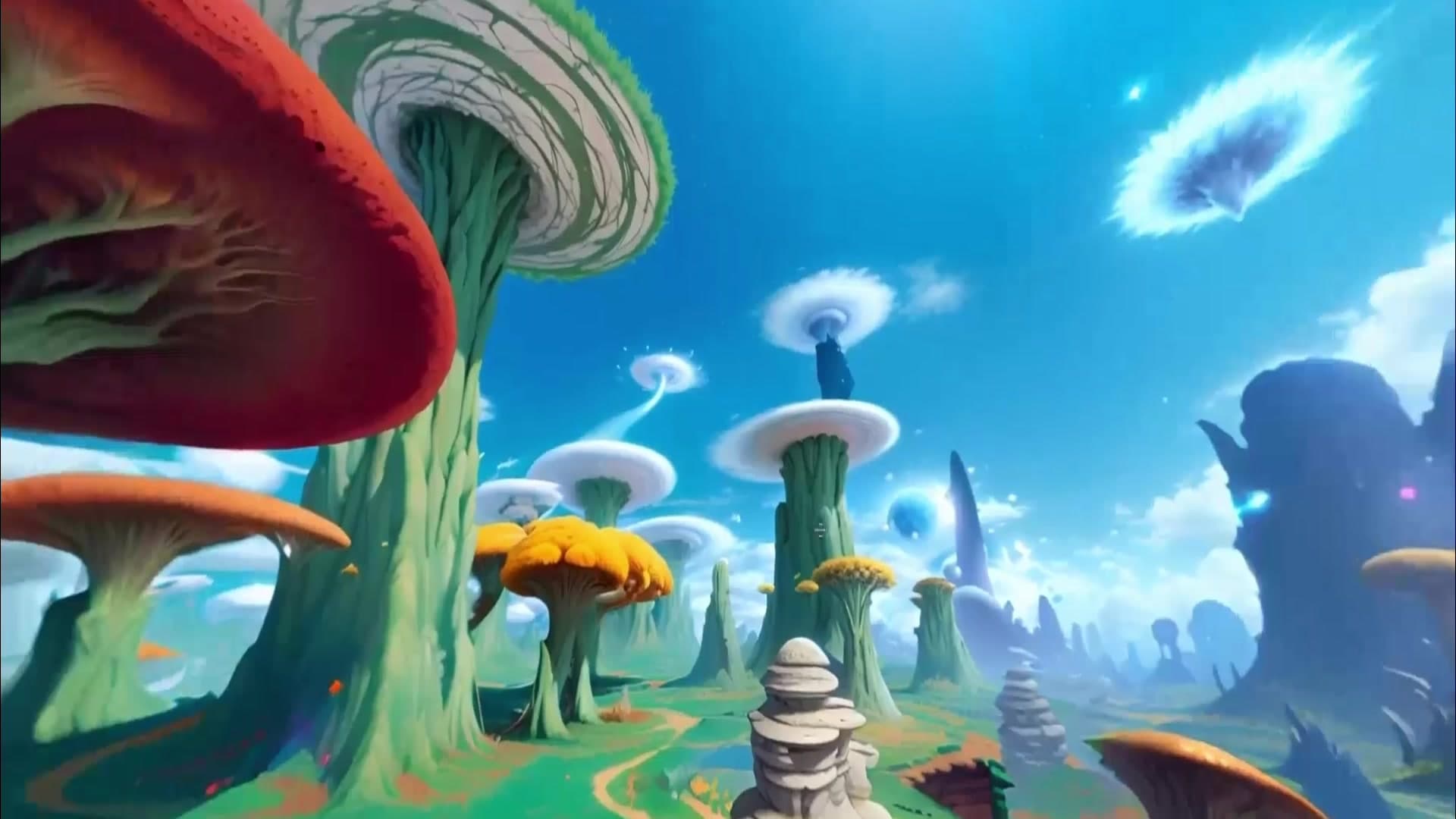 3D World
Prototype worlds for XR, exhibitions, virtual production, and interactive storytelling.
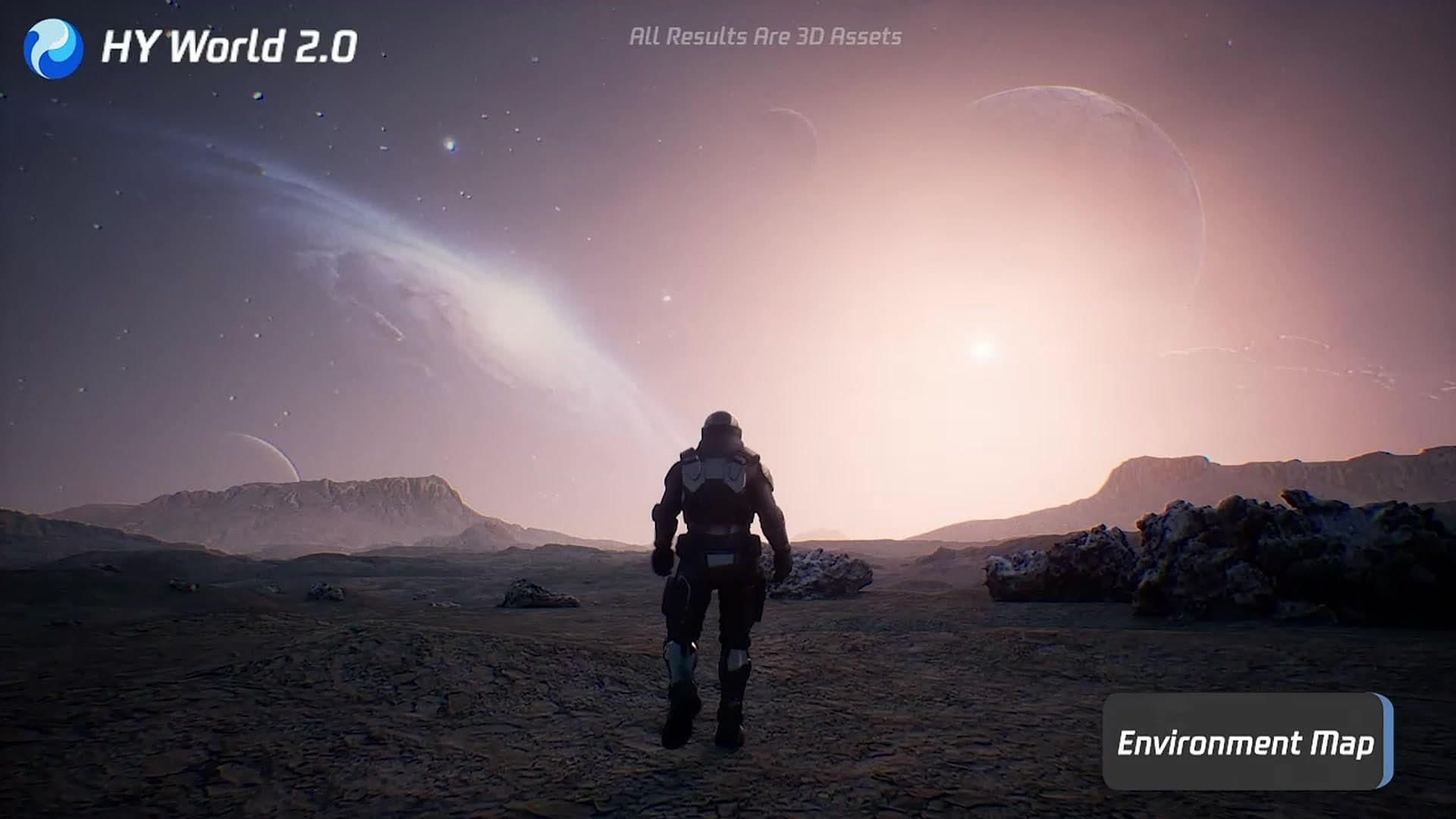 3D World
Use spatial scenes to communicate systems, environments, and embodied-AI ideas.
Use 3D Model for an object you can orbit and download, or 3D World for an environment you can explore.
Upload an image, start from text, or add multiple consistent views when the selected engine supports them.
Choose the model, geometry, material, and world settings that fit what you want to make.
Start the task, follow it from History, then download the available GLB or SPZ result within 7 days.
Credit plan
2,000 credits every month
Creator favorite
3,000 credits every month
Credit plan
5,000 credits every month
Monthly plans renew until canceled. One-time packs have no recurring charge. Download generated files within seven days.
Choose 3D Model for one object, character, product, or prop. Choose 3D World for a room, street, landscape, or other surrounding environment you want to explore.
For a model, use one centered object with a clear silhouette and even lighting. For a world, use a wider scene with visible ground, depth, and a readable path through the space.
Yes, when the selected engine supports that input. Input options update after you choose an engine, and multi-view references should show the same object or place from consistent angles.
Every current 3D model engine provides GLB. World providers can return GLB, SPZ, SOG, PLY, DRC, or a provider world file; the exact files appear when the task completes.
The quoted credits are reserved when the task starts. They are returned automatically if the provider fails or the task times out.
Generation inputs stay private and are scheduled for deletion within 24 hours after completion. Successful result downloads expire after 7 days.


