
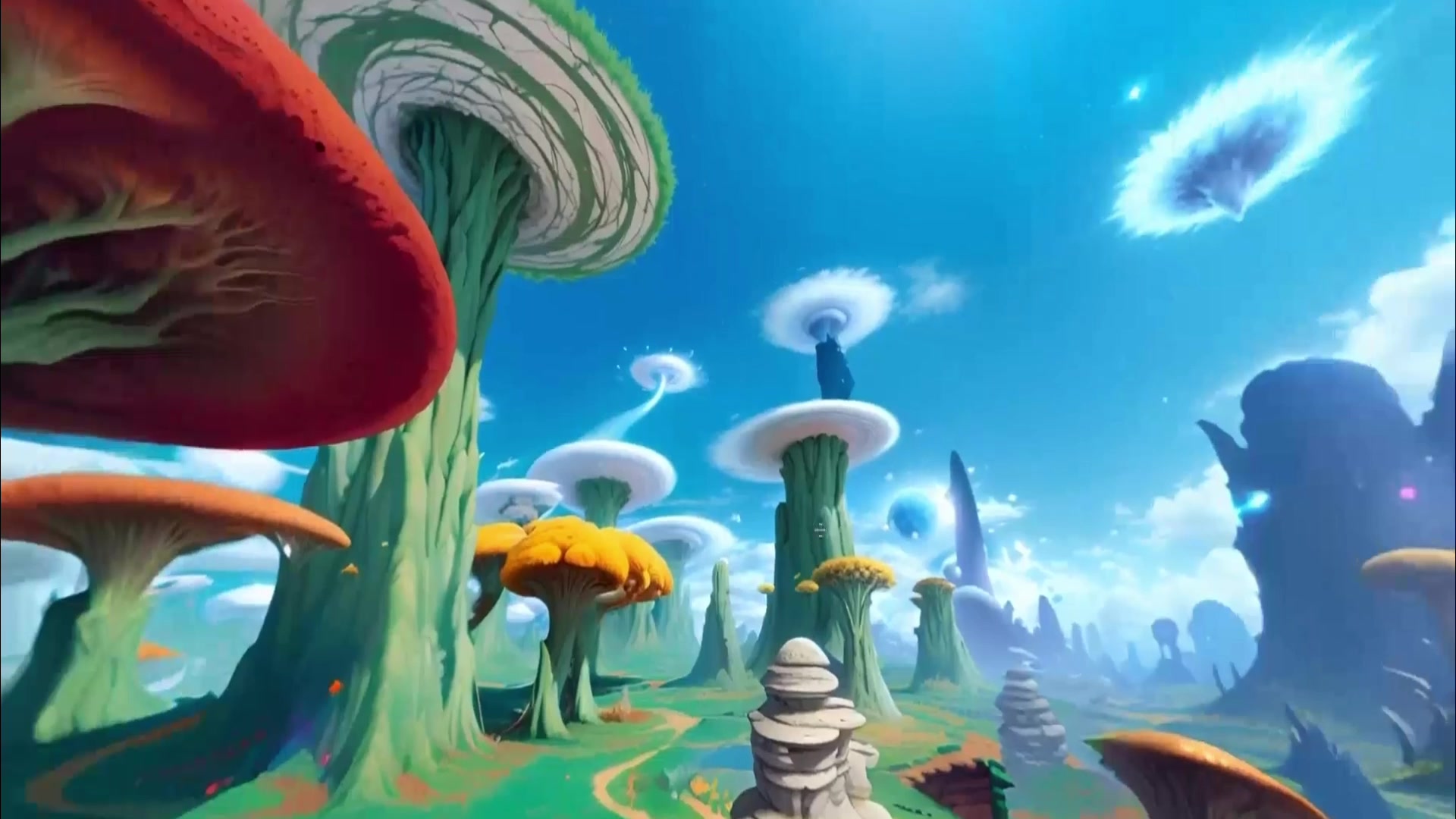
 360 world
Try nowSkybox
Skybox AI
Generate 360-degree worlds for VR backdrops, games, mood boards, and web 3D scenes.
Use caseCreate / Explore / Build
Best for360 environments, VR and game backplates, HDRI-style world shells
360 environment workflow
Create an immersive 360° environment from a text prompt, then export a GLB depth mesh for game, VR, and web scenes.
Relevant tools
These cards keep output type, access, and action visible before the source-backed sections.
360 worldGenerate 360-degree worlds for VR backdrops, games, mood boards, and web 3D scenes.
Create persistent 3D worlds from prompts, images, or video.
| Need | Best current page | Why it fits |
|---|---|---|
| 360 horizon or VR backdrop | Skybox AI | It focuses on panoramic 360 environments and skybox exports. |
| Persistent editable 3D world | Marble | It targets explorable, reusable generated 3D worlds. |
| Open 3D world-generation stack | HY-World 2.0 | Stronger for technical readers inspecting code, weights, reconstruction paths. |
Best fit
Skybox AI is the clearest fit when the output should be a 360-degree horizon, VR backdrop, lighting environment, or game-engine skybox rather than a fully explorable simulator.
Marble becomes the better next click when the reader needs a persistent 3D world that can be edited, explored, or exported beyond a panoramic shell.
Boundary
A 360 panorama can be valuable for VR, games, and concept art, but it is not the same claim as realtime interaction, physical simulation, or an editable world model.
The right expectation is an environment shell: horizon, mood, lighting, and surrounding visual context. If the workflow needs object-level interaction, path planning, collision, or persistent geometry, the reader should move from Skybox AI into Marble, HY-World 2.0, or a more technical 3D workflow.
Practical example
Imagine a small VR team building a training scene, gallery, or product walkthrough. The first useful asset may be a believable surrounding environment that gives the scene a horizon and lighting direction. A 360 skybox can solve that job quickly without requiring a full generated city, playable level, or physics simulation.
The limitation is equally important. A skybox is usually background context, not navigable geometry. If the team later needs doors, terrain, occlusion, pathing, or editable objects, the skybox becomes one layer in a larger pipeline rather than the whole environment.
Selection workflow
Start by naming the asset: equirectangular panorama, HDRI-style lighting environment, engine skybox, experimental mesh export, or persistent 3D world. That output label determines whether Skybox AI is enough or whether the reader should evaluate Marble or HY-World 2.0 instead.
Next, check where the output has to land. Unity, Unreal, Blender, web 3D, VR, and AR each create different questions about resolution, file format, lighting, scale, seams, and licensing. The page links to source-backed dossiers so readers can check those details without treating a search landing page as the final product documentation.
If the source only proves that a product page or API exists, keep the claim at that level. Do not promise current credit pricing, commercial reuse, or production-quality mesh export unless the linked documentation confirms it.