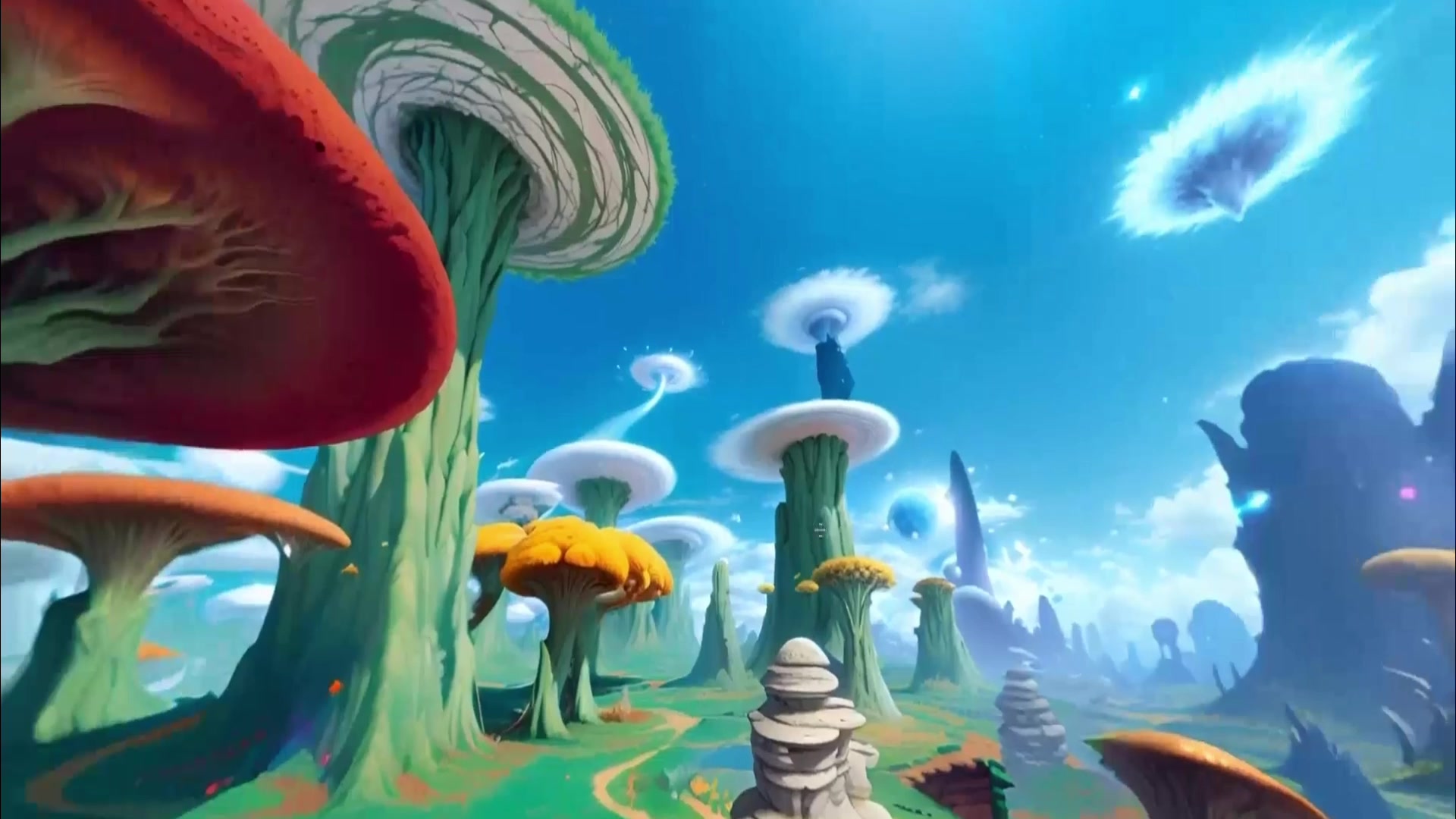
Engine workflow

AI environment creator for Unity and Unreal

Choose AI environment creator tools for Unity, Unreal Engine, Blender, web 3D, and VR workflows without mixing skyboxes, 3D worlds, and research stacks.

Tool intentOutput typeSource-backedNext page
Video labs

Relevant tools

Choose the workflow before choosing the model.

These cards keep output type, access, and action visible before the source-backed sections.

Skybox 360 world use case preview360 world
Try nowSkybox

Skybox AI

Generate 360-degree environment worlds for VR backdrops, games, mood boards, and web 3D scenes.

Output360 world
Use caseCreate / Explore / Build
Best for360 environments, VR and game backplates, HDRI-style world shells
3D world
Try nowMarble

World Labs / Marble

Create persistent 3D worlds from prompts, images, video, or spatial inputs for scenes that can be explored and reused.

Output3D world
Use caseCreate / Explore / Build
Best for3D concept worlds, spatial storyboards, exportable scene assets
3D world
Open sourceHY-World

HY-World 2.0

Inspect Tencent's open 3D world generation and reconstruction path for persistent scene assets and engine-oriented workflows.

Output3D world
Use caseCreate / Build / Simulate
Best foropen 3D workflows, reconstruction research, engine-ready scene assets

Fast decision table

Engine workflowLikely pageReality check
Unity or Unreal skyboxSkybox AIBest for surrounding environments and backplates.
Editable 3D concept sceneMarbleBest for product-led persistent 3D world creation.
Open reconstruction/generation pipelineHY-World 2.0Best for technical evaluation, not a no-code engine plugin.

Open next

Engine fit

Engine compatibility starts with the output format.

Unity, Unreal, Blender, and VR workflows need different assets. A panoramic skybox can be useful immediately, while a persistent generated 3D world requires more review around geometry, scale, export quality, and runtime use.

This page keeps those engine-oriented questions visible while sending readers to the source-backed model pages for details.

Use-case routing

Use Skybox AI for the surrounding environment; use Marble or HY-World for generated 3D scenes.

Skybox AI explicitly covers 360 environments and export workflows. Marble and HY-World 2.0 better match readers asking about persistent worlds, meshes, splats, and open 3D-world generation.

Engine compatibility is not a single checkbox. A background panorama, a GLB environment mesh, a Gaussian-splat export, and a persistent generated scene all create different import, rendering, collision, and optimization questions.

Practical example

Unity and Unreal teams should separate backdrop, blockout, and explorable world.

If the team needs a fast atmosphere layer for a Unity prototype, a 360 skybox can be enough. If the team needs a level blockout, environment shell, or exported concept world, a persistent 3D world workflow may be a better fit. If the team needs to inspect a research stack, open repositories and model cards matter more than product screenshots.

That distinction is why this page links to both Skybox AI and Marble instead of presenting one generic AI environment creator. It helps readers decide whether their engine workflow starts with panorama, scene, asset, or research pipeline.

Implementation checklist

Check import path, visual quality, and runtime cost before promising engine readiness.

Before a generated environment enters Unity, Unreal, Blender, or WebGL, review the file format, scale, lighting, collision expectations, texture resolution, navigation needs, and whether the output must be editable after import.

The page also keeps a source-confidence boundary: official product pages and documentation can prove that a workflow exists, but they do not guarantee every scene will be optimized, legally reusable, or production-ready in every engine.

Sources