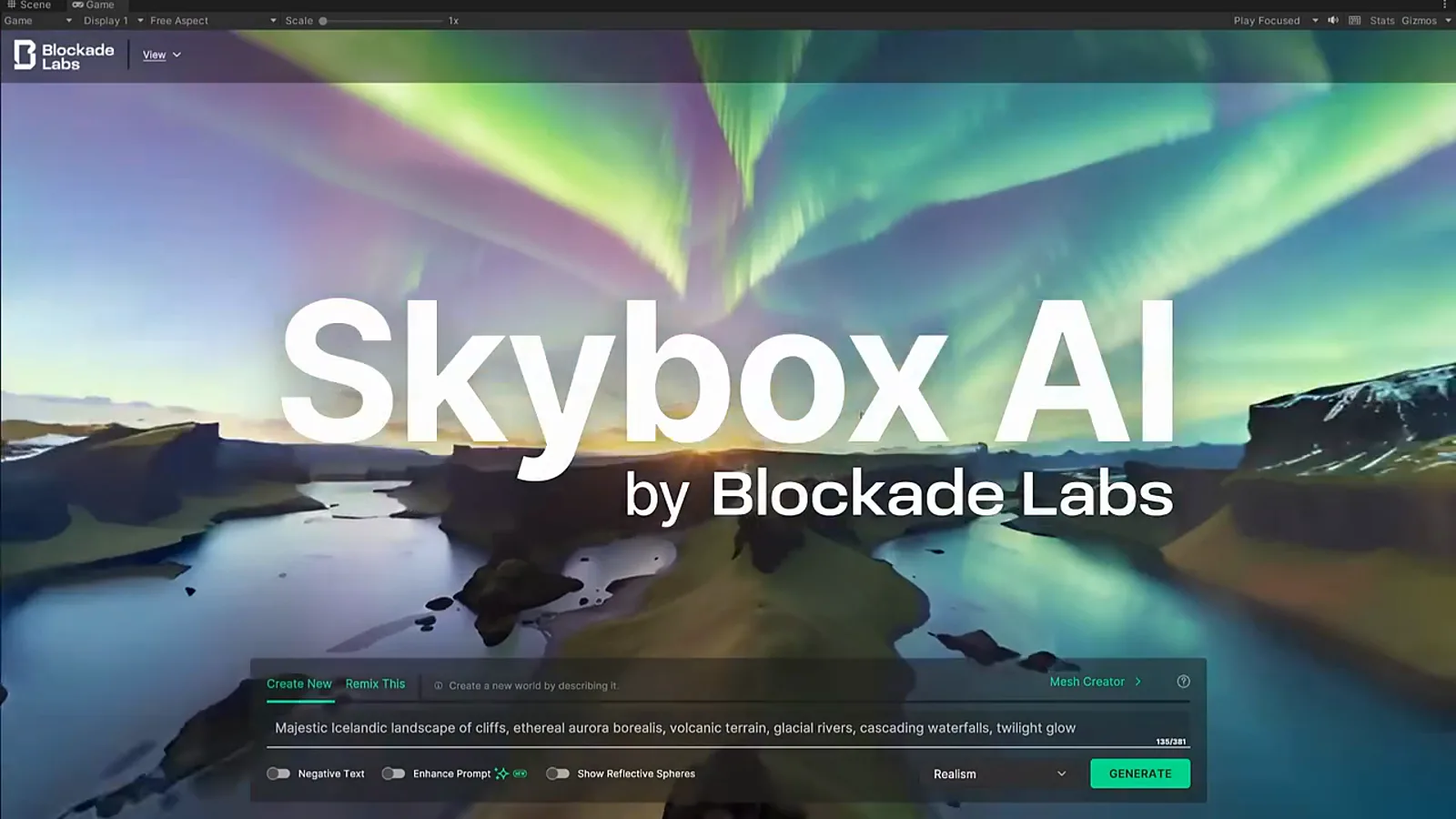
360-degree environment generator

Skybox AI 360 environments

A panoramic environment opens like a destination: sky, horizon, light, and mood generated as one world surface.

Blockade LabsPublic app, API documentation, and export workflowPublic Skybox AI app, Blockade Labs product surface, API documentation, and Unity integration materials.
360 Environment World

What people can do

Skybox in output, use case, access, and action.

Start from the practical surface before reading sources and boundaries.

360 world
Try nowSkybox

Skybox AI

Generate 360-degree environment worlds for VR backdrops, games, mood boards, and web 3D scenes.

Output360 world
Use caseCreate / Explore / Build
Best for360 environments, VR and game backplates, HDRI-style world shells

What this lets people do

A panoramic environment opens like a destination: sky, horizon, light, and mood generated as one world surface.

Text-to-skybox generation, 360-degree panoramas, HDRI and image exports, experimental GLB environment meshes, and engine-oriented environment workflows.

Pricing and access

Blockade Labs documents Skybox AI app access and API/export workflows; exact credit costs and plan details should be checked against the current API docs or account surface.

Source: Skybox exports API documentation

Platforms

Web appAPIUnity integration materialsBlockade Labs support docs

Output formats

  • 360-degree equirectangular panoramas
  • Skyboxes
  • HDRI-style environment exports
  • Experimental GLB environment meshes

Compatibility

UnityUnreal EngineBlenderGodotWeb 3DVR and AR scenes

Scene explainer

Three frames before the source list.

The page starts with the experience, then moves toward source-backed details.

01

First impression

A visible world

Skybox AI generates panoramic 360-degree environments for skyboxes, HDRI lighting, VR scenes, and game-engine backplates.

02

Capability

Why it stands out

Gives the site a clear 360-environment lane alongside interactive world simulators and persistent 3D-world generators.

03

Boundary

What not to overclaim

Skybox AI should not be framed as a full real-time world simulator like Genie, Oasis, HappyOyster, or Marble.

Good reasons to open this page

  • Visitors who want the fastest visual handle on this model lane.
  • Creators comparing whether the output feels like a clip, a place, or a controllable world.
  • Readers who need status and sources after the first impression.

Strengths

  • Gives the site a clear 360-environment lane alongside interactive world simulators and persistent 3D-world generators.
  • The landing-page MP4 provides a cleaner 1080p visual source than the older public YouTube Unity demo.
  • Export documentation makes the workflow concrete for game engines, 3D software, web-based 3D, and AR/VR applications.

Limits and source boundary

  • Skybox AI should not be framed as a full real-time world simulator like Genie, Oasis, HappyOyster, or Marble.
  • GLB export is an experimental environment-mesh workflow; Blockade Labs documents limitations around depth accuracy, geometry artifacts, scale consistency, and collision use.
  • The older official Unity YouTube demo remains useful as source context, but public unauthenticated checks only exposed a 640x360 downloadable format.

Skybox AI is an environment and skybox generator, not a full realtime interactive world model.

Decision guides

Skybox AI360 environments360 skyboxesequirectangular panorama AI image generatorHDRI exportsUnity Godot Blender UnrealVR AR environments

Quick workflow

  1. Generate a 360 environment from a text prompt in Skybox AI.
  2. Export the panorama or environment mesh format that fits the target scene.
  3. Check engine-specific needs such as lighting, backplates, scale, and collision before treating the output as production geometry.

Release signals

Only the selected updates that affect this profile.

The company profile stays stable. These short signals explain what changed and point back to sources.

Sources

FAQ

Dossier FAQ

Use these notes to keep model comments grounded in official sources and careful category boundaries.

Definition

What does World Models Watch count as a world model?

The site tracks systems that model environments, actions, spatial structure, or persistent simulated state. Pure text chatbots and ordinary video generators are only included when they provide a clear bridge toward interactive or physical world modeling.

Category boundary

Why do some AI video systems appear on a world-model site?

Video models are included only when they help explain the path from generated clips to controllable spaces, physics-aware prediction, or agent-ready simulation. The site keeps that distinction explicit so video generation is not overstated as a finished world simulator.

Editorial policy

How does the site decide whether a release is reliable enough to list?

Primary sources carry the most weight: official product pages, research posts, papers, documentation, code repositories, and company announcements. Secondary media can be referenced, but it stays labeled as reported or adjacent unless independently confirmed.

Community

What should readers post in comments?

Useful comments add source links, corrections, release-status notes, comparison questions, or concrete reader context. Comments are public immediately, so readers should avoid private information and unsupported promotional claims.

Read the full FAQ

Discussion

Reader discussion

Add source-backed corrections, questions, or notes for this page.

0 comments
Comments are ready in the codebase. Configure NEXT_PUBLIC_SUPABASE_URL, NEXT_PUBLIC_SUPABASE_PUBLISHABLE_KEY, SUPABASE_SECRET_KEY to enable Supabase-backed discussion in production.

No comments yet. Start with a source note or a question for future coverage.