
Image, text, or multi-view
Use the input mode supported by the selected engine, from one clean reference to consistent multiple views.
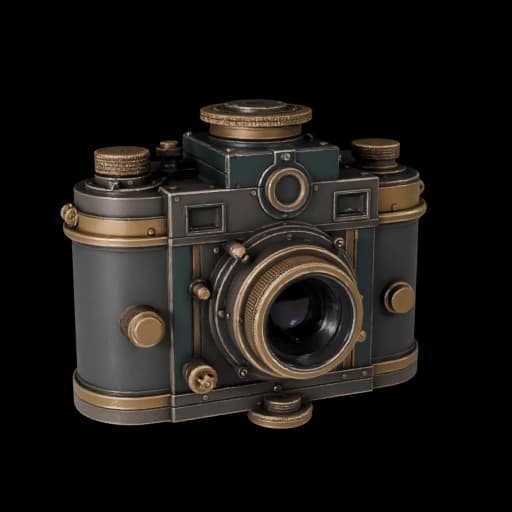 Loading interactive 3D…
Use the input mode supported by the selected engine, from one clean reference to consistent multiple views.
Choose an engine for fast reconstruction, PBR assets, quad topology, or detailed geometry.
Set the available topology, face-count, texture, material, and format options before generating.
Receive GLB across the catalog, with selected engines also offering FBX, OBJ, or USDZ.
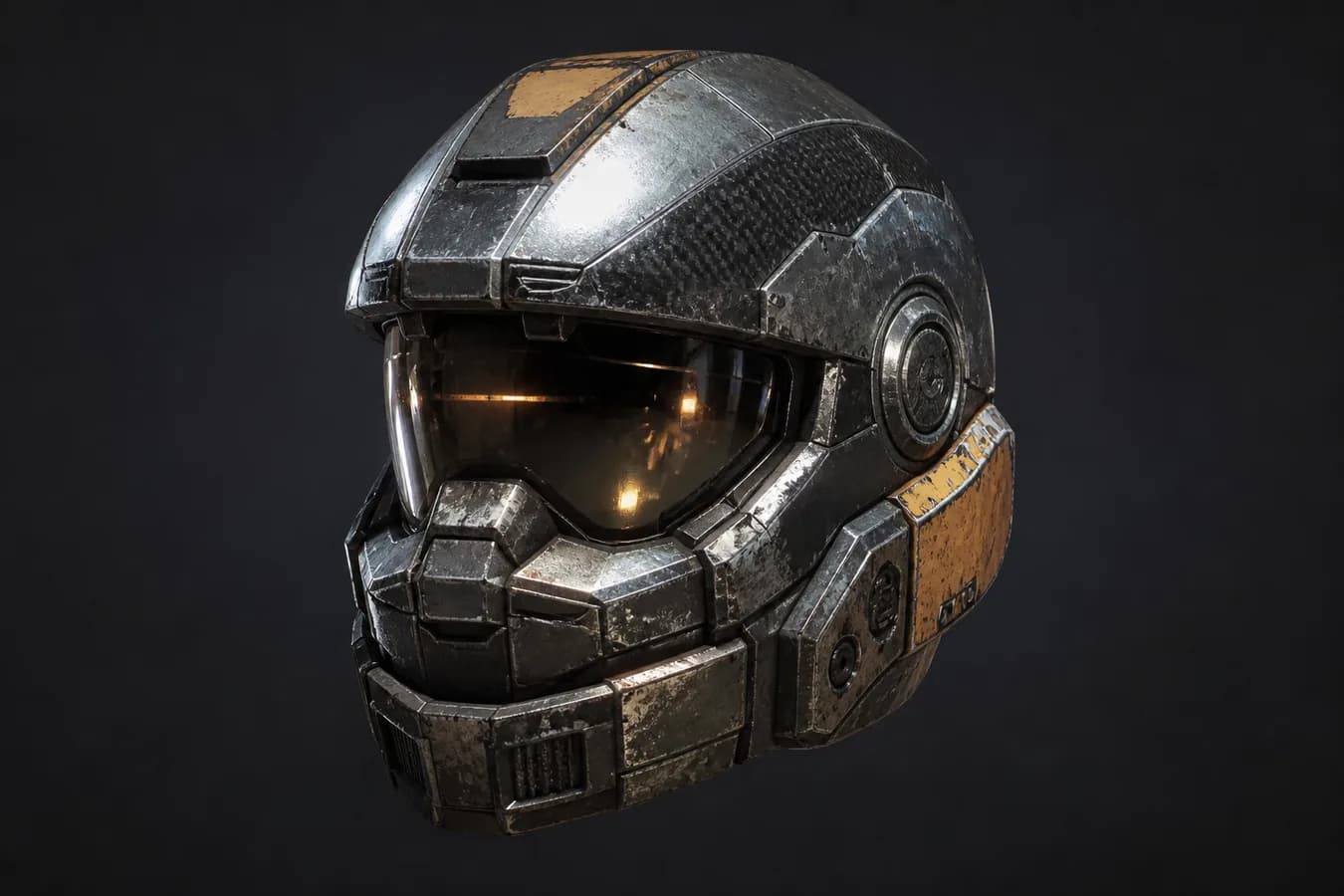 3D Model
Move from a visual reference to props, equipment, and environment-ready objects.
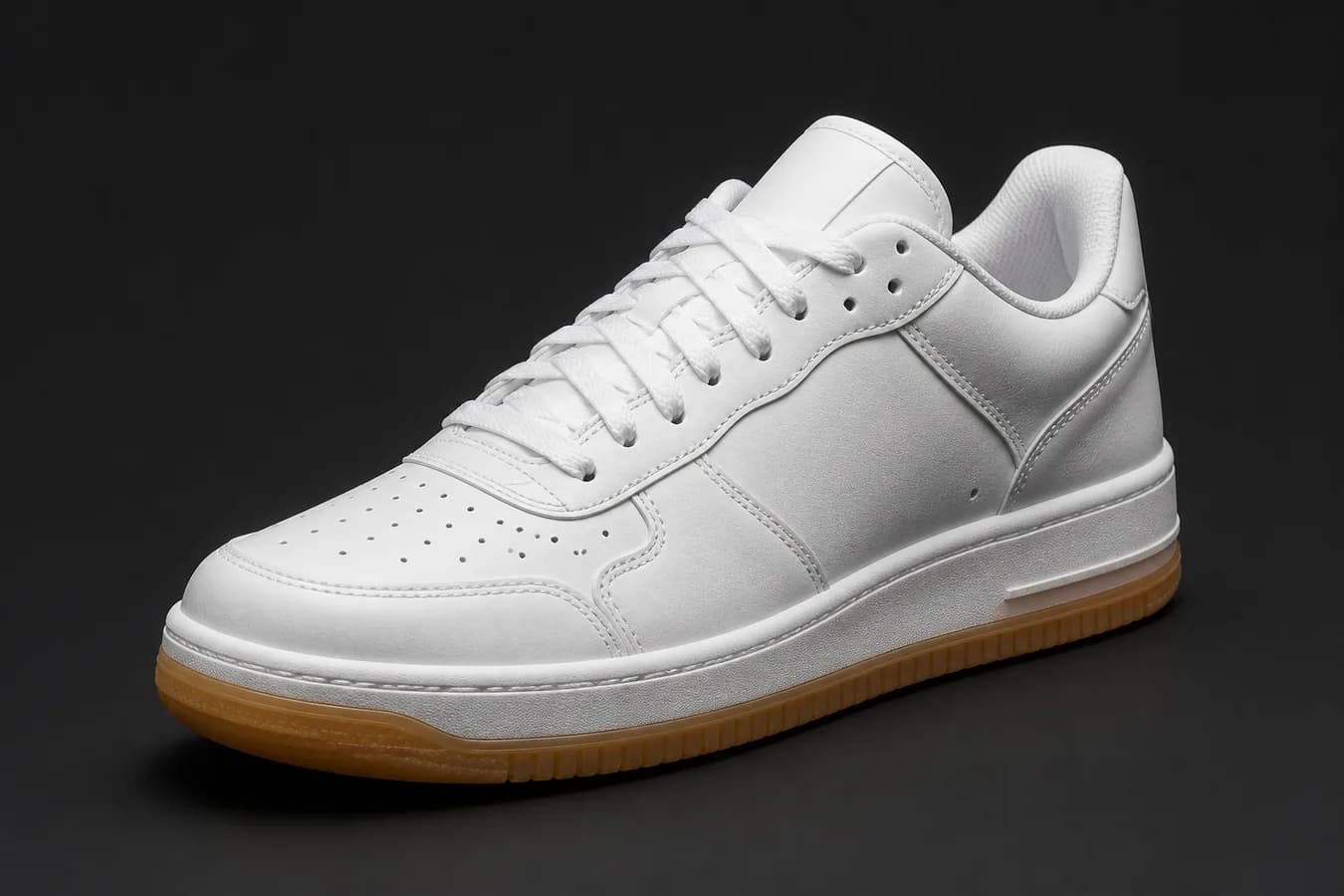 3D Model
Explore a product concept in 3D before photography, prototyping, or campaign production.
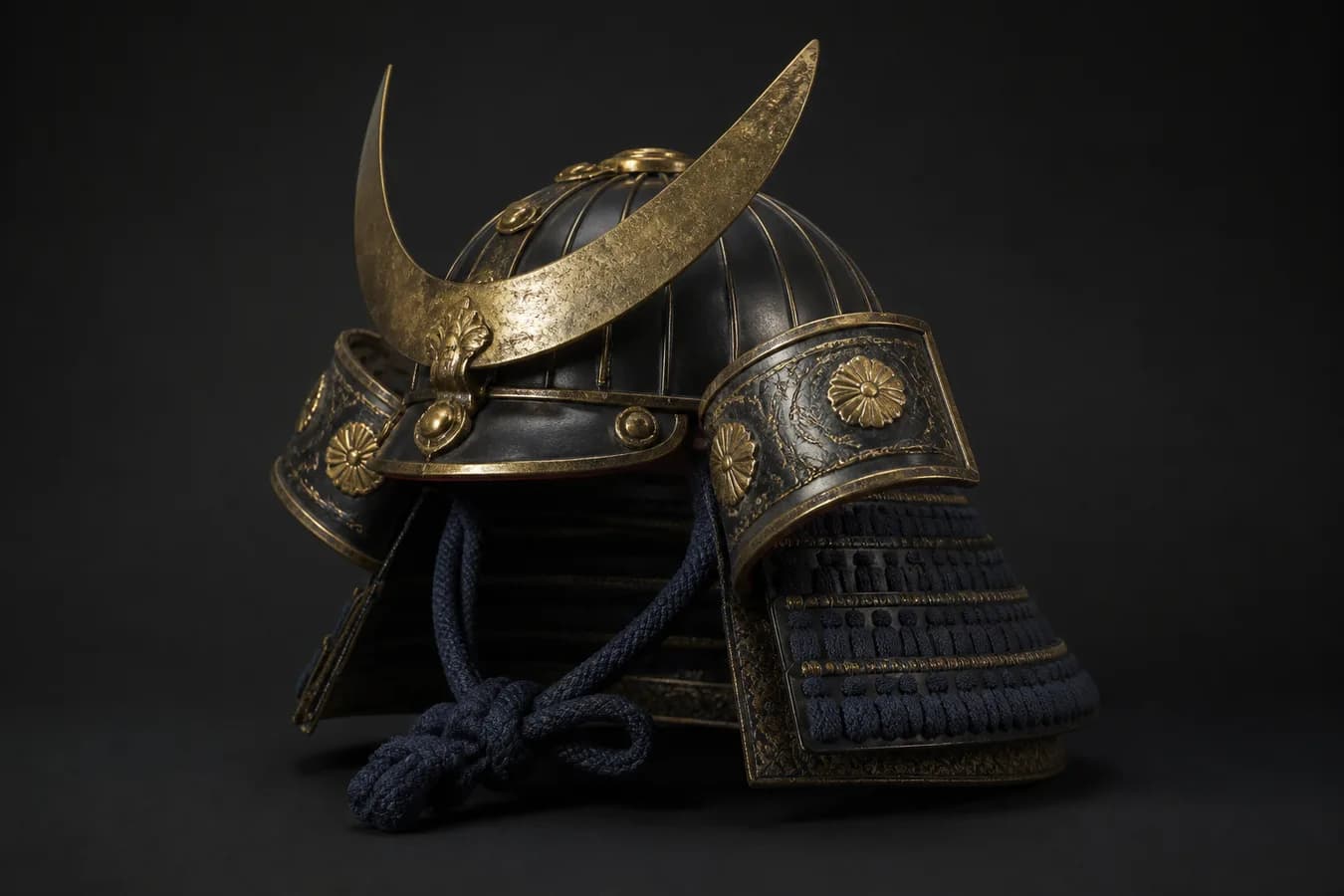 3D Model
Turn concept art into props and visual references that help a scene take shape.
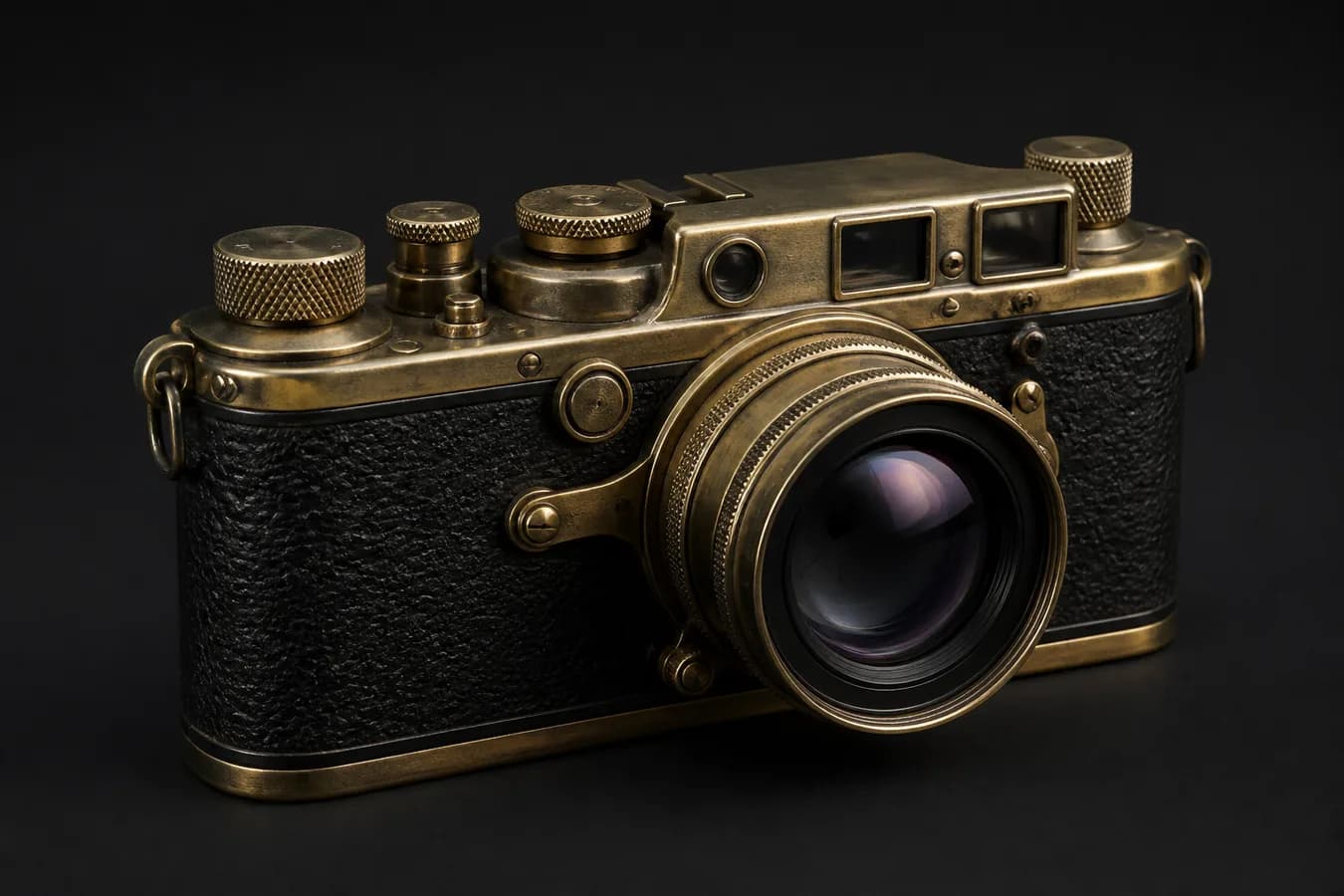 3D Model
Turn an early visual direction into a tangible 3D asset for review, iteration, and handoff.
Sign in, then upload a sharp, well-lit image with one object fully visible. For supported models, use Multi-view to add front, side, and back references, or switch to Text to 3D when you do not have an image.
Use the specialty shown beneath each model: Tripo for a quick single-image mesh, Meshy for game-ready PBR assets, Rodin for quad topology, or Hunyuan for detailed, high-face-count geometry.
Review the controls that appear for your selected model. You can adjust options such as texture quality, PBR materials, face count, topology, and file format before generating.
Check the quoted credit cost, add optional direction, and start the task. You can leave the page and follow progress from History. When it finishes, download the available 3D files within 7 days.
Credit plan
2,000 credits every month
Creator favorite
3,000 credits every month
Credit plan
5,000 credits every month
Monthly plans renew until canceled. One-time packs have no recurring charge. Download generated files within seven days.
Use one centered object against a simple background. Keep the full silhouette in frame, use even lighting, and avoid heavy reflections, motion blur, hands, or other objects covering the subject. Multi-view references help when the back or sides contain important detail.
Choose by the output you need. Tripo is a fast route from one image to GLB; Meshy focuses on PBR game assets and multiple export formats; Rodin supports quad meshes for DCC workflows; Hunyuan provides explicit face-count and geometry controls. The model card lists the exact modes and settings available.
Yes, when the selected model supports that input. The Input tabs update automatically after you choose a model. Multi-view requires at least two images and accepts up to four or five references, depending on the model.
All model generators accept JPEG and PNG; Hunyuan models also accept WebP. The upload limit is 8 MB for Hunyuan and 20 MB for the other model providers. GLB is available across the catalog, while selected models also offer FBX, OBJ, or USDZ.
The current cost is shown before you generate. Credits are reserved when the task starts and returned automatically if the provider fails or the task times out. Inputs stay private and are scheduled for deletion within 24 hours after completion; successful downloads expire after 7 days.


